5.0 on the Shopify App Store, from 1 review (opens in a new tab)

Shop the look on your Shopify product pages

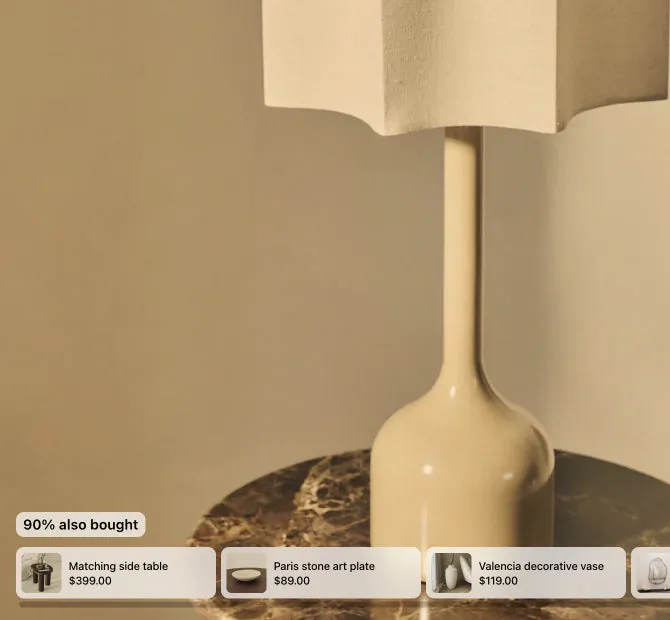
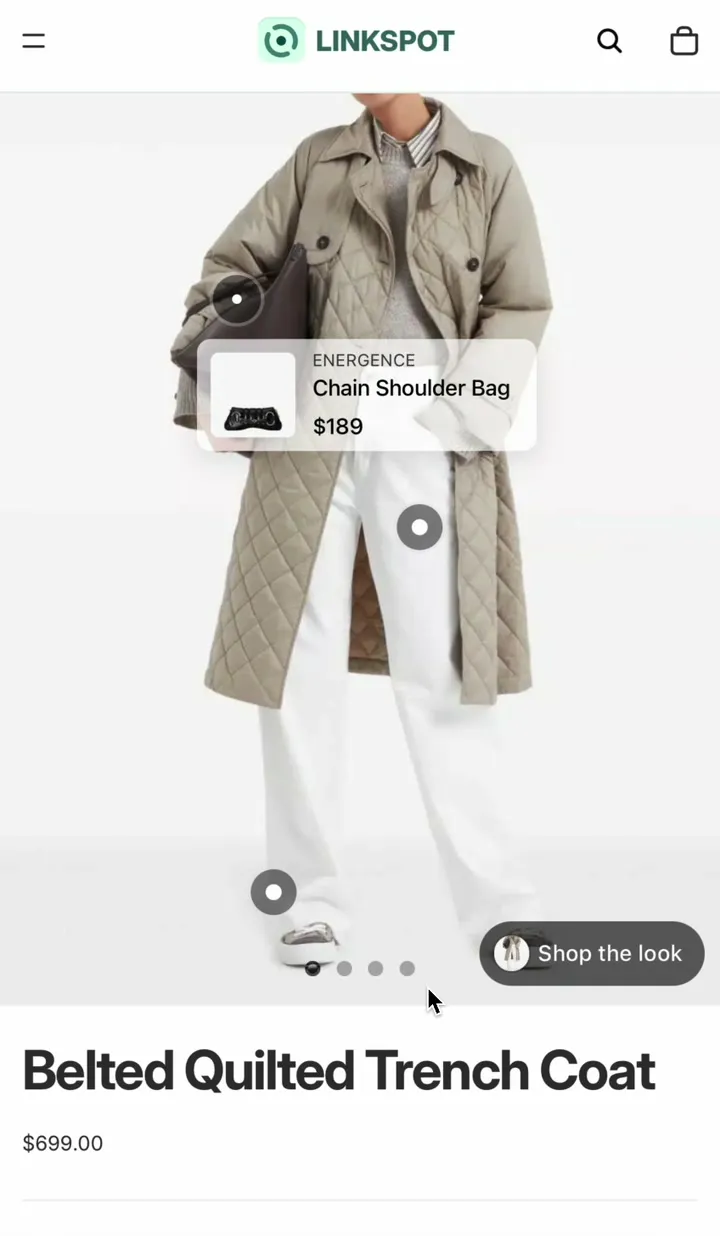
A product set shows the matching products on the photo, and the shopper can add the whole look to the cart at once.

  • Free plan
  • No theme code
  • Fast setup

What it does

The rest of the look, next to the photo

A shopper who wants the whole look has to find every piece alone. A product set shows them the rest.

  • Three ways to show it

    Show the set as a row of product cards, a list of links or a button that opens a popup.

  • The whole look in one tap

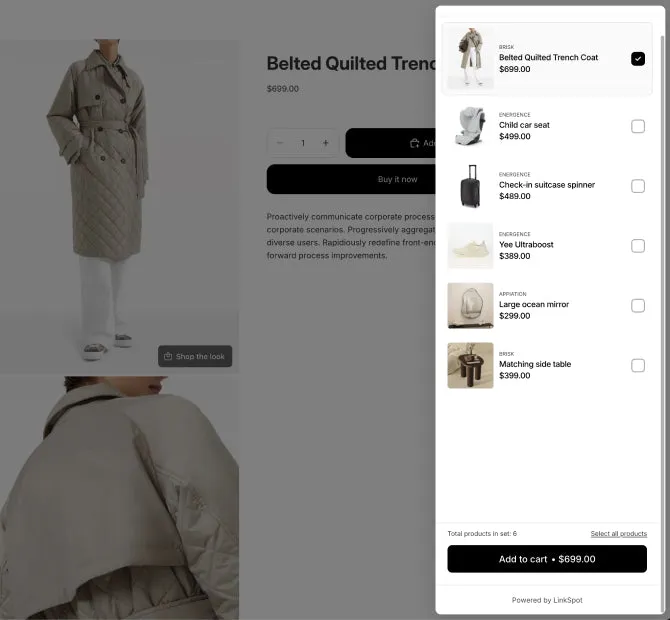
    In the popup the shopper picks the pieces, and one button adds them all to the cart.

  • Sets that fill themselves

    Pick the products yourself, or let Shopify fill the set with its related products, such as what is often bought together.

What the shopper sees

Your shopper adds the whole set without leaving the page

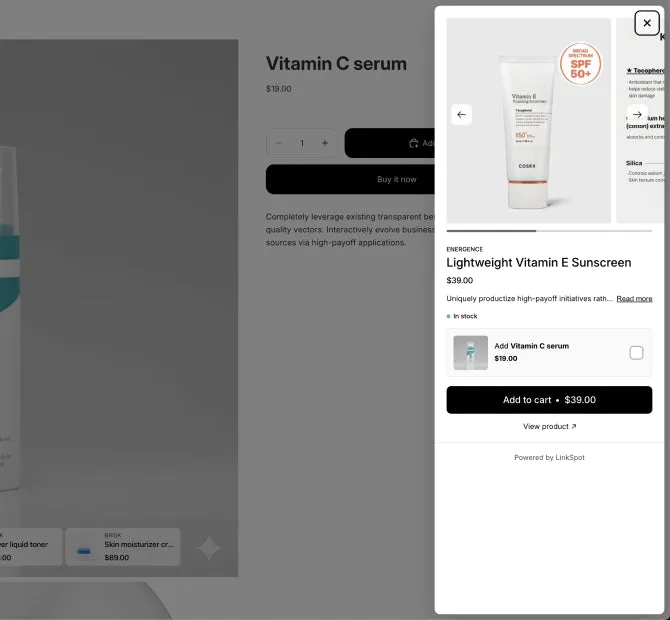
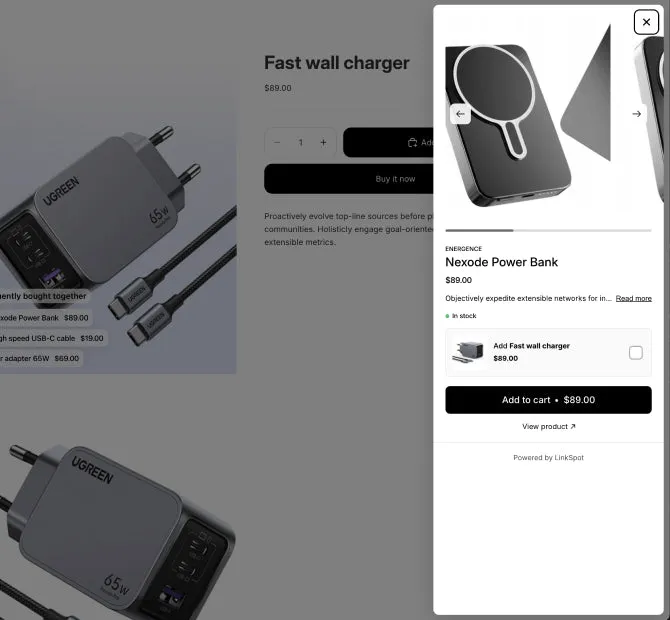
  1. A tap on the set opens a panel over the product page.
  2. The product on the page is already selected. The shopper picks the other pieces they want.
  3. One button adds them all to the cart and shows the total.
Try it on the demo store, opens the demo store in a new tab, password 123

Live demo

9 examples on a real Shopify store

Each one opens on our demo store in a new tab, so you can try it the way your shoppers will.

Demo store password 123

All 47 examples
  • "Shop the look" popup

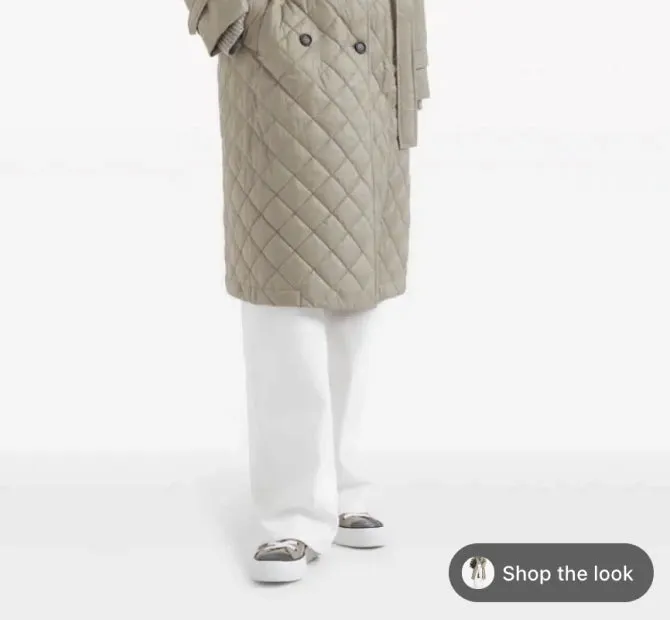
    A button on the photo opens every piece of the outfit in one popup. The shopper picks the pieces they want and adds them all with one button.

  • Guided upsell cards

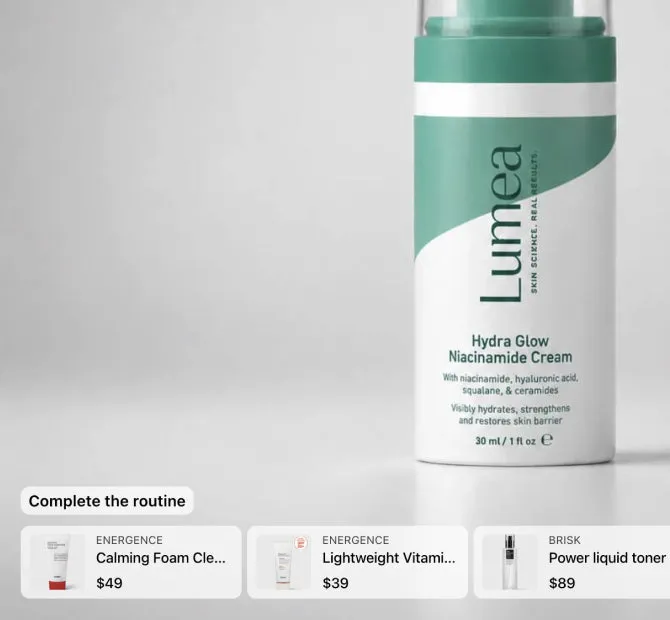
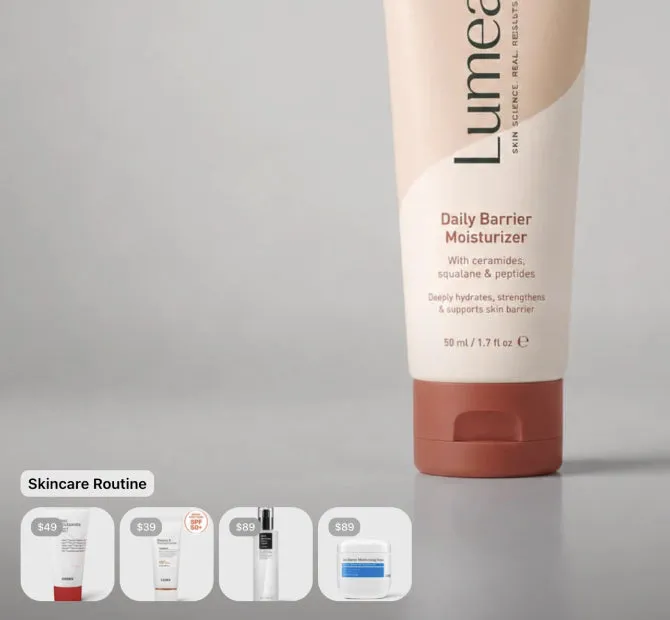
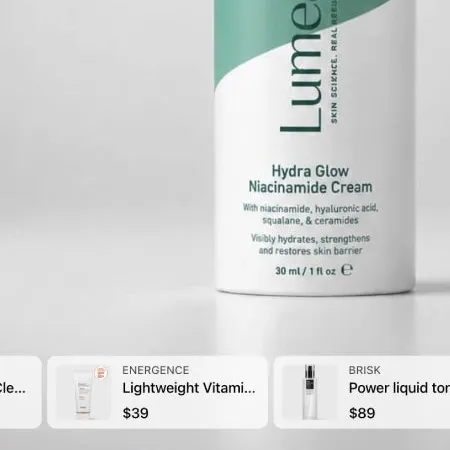
    Cards on the photo show the other steps of a skincare routine.

  • "Frequently bought" links

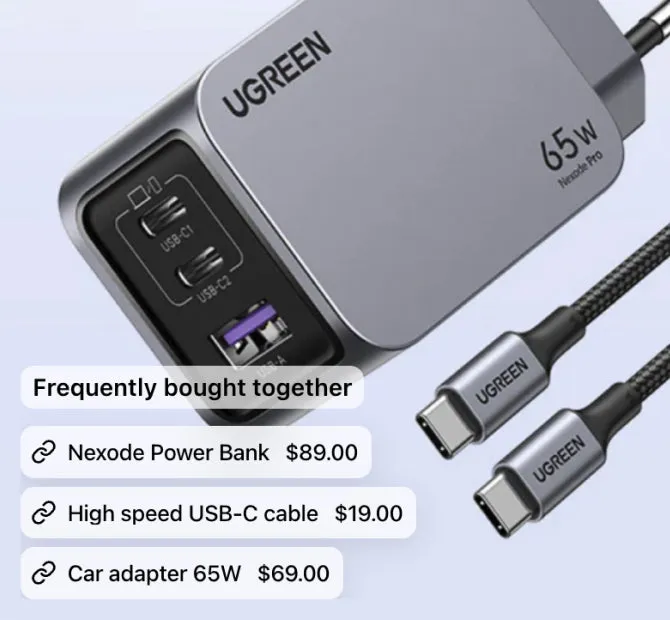
    Links on the photo to the products that go with this one.

  • Visual upsell minis

    The rest of the routine in small photos, each with its price.

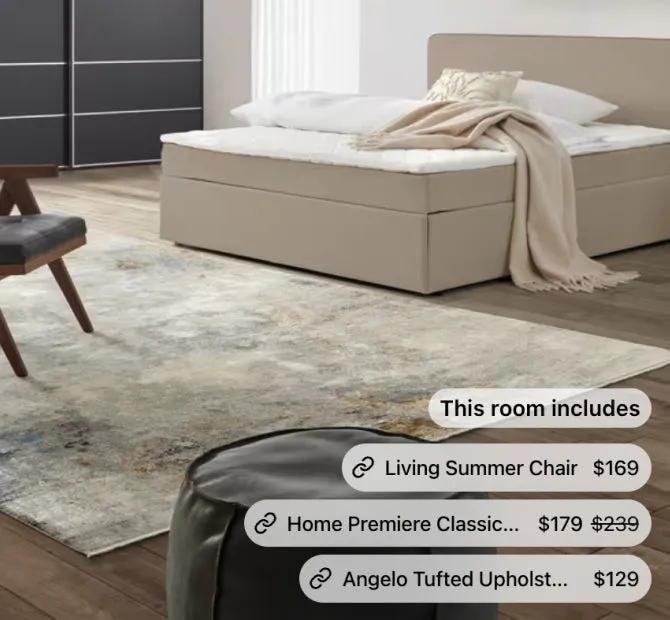
  • Every product in the room

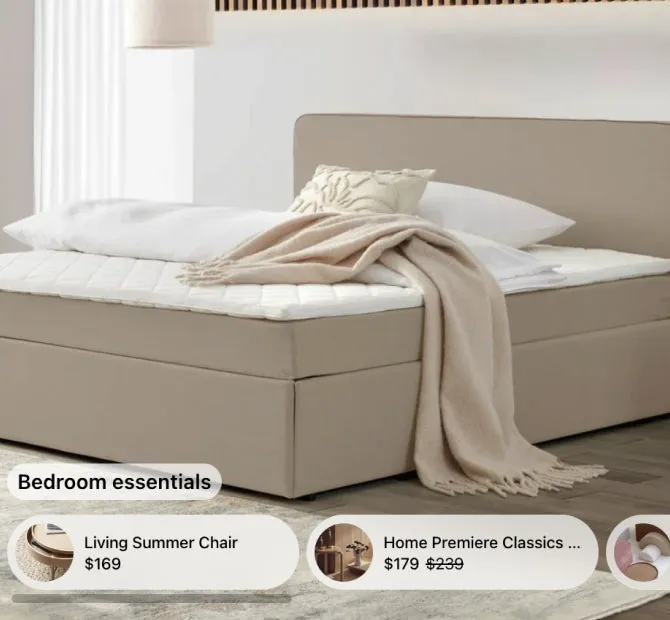
    A link or a card for each product in the photo.

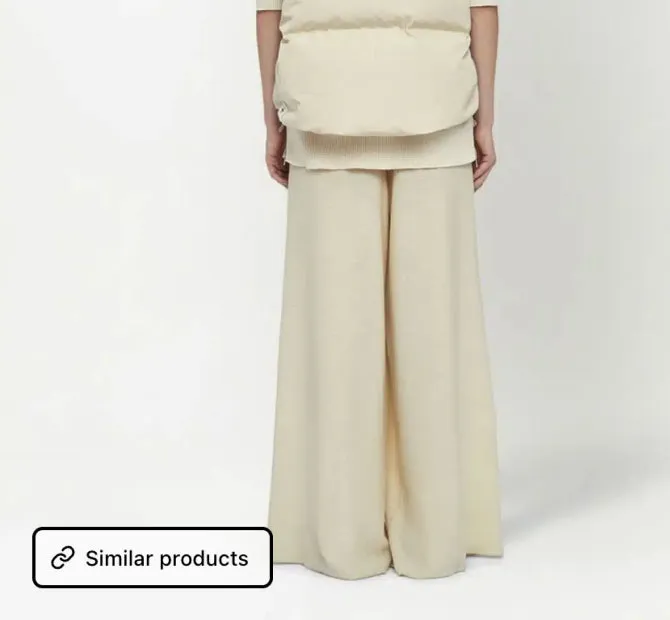
  • Retention trigger

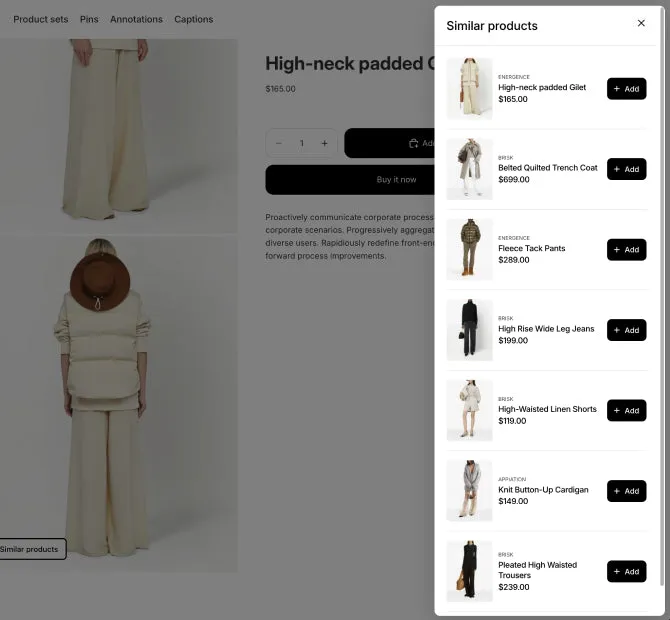
    A button on the last photo opens a popup of similar products.

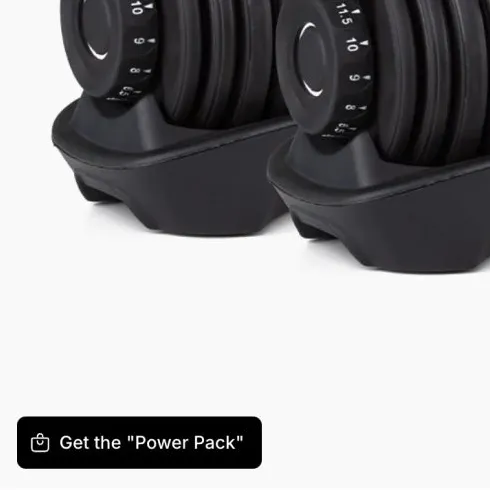
  • Starter kit popup

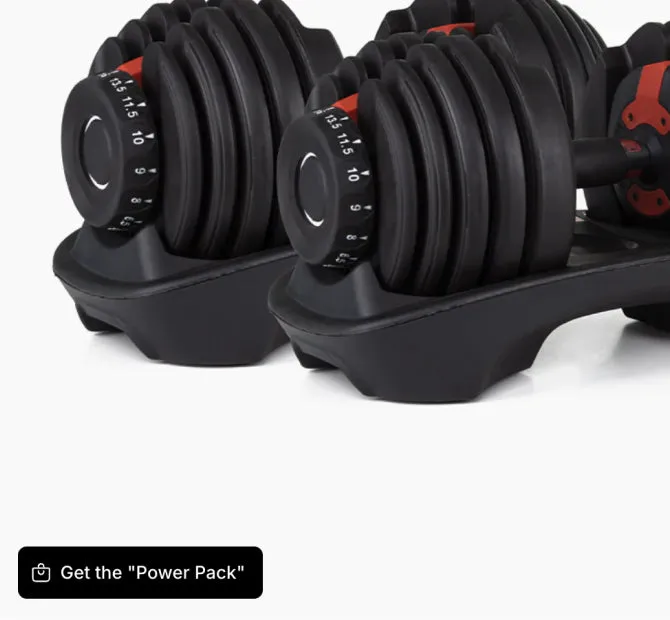
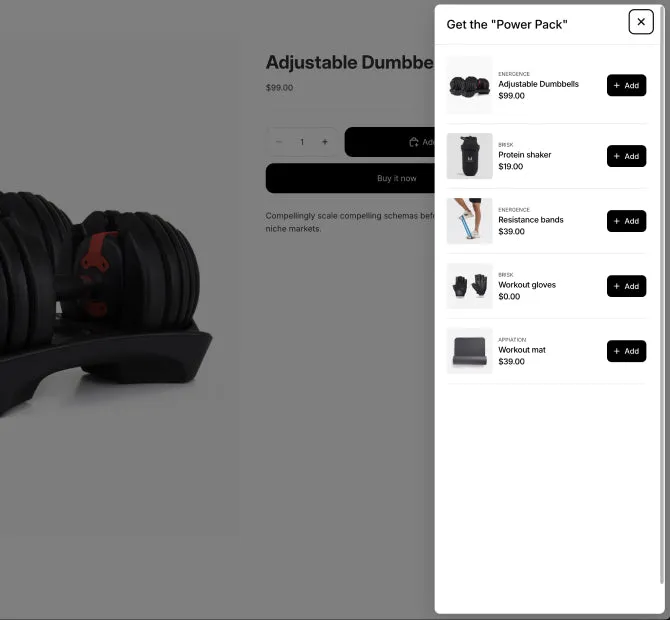
    A button on the photo opens a kit for this product.

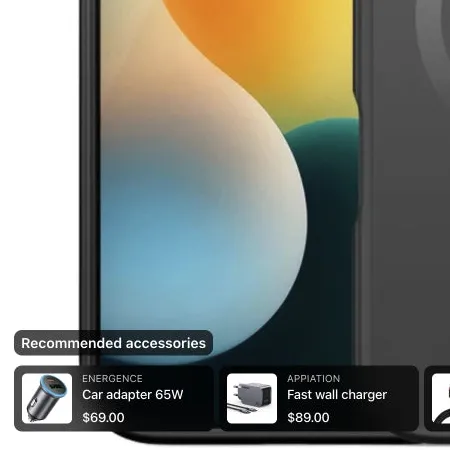
  • Recommended accessories

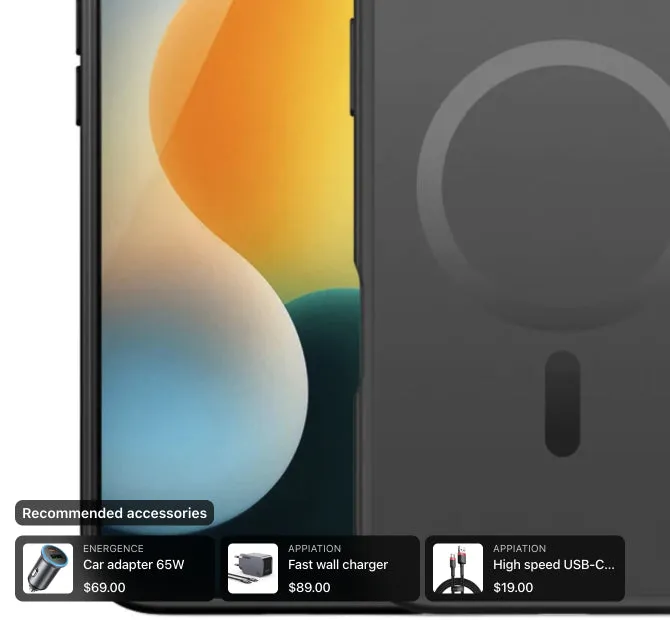
    The charger, cable and car adapter, on the phone case photo.

  • Social proof upsell

    A short line you write above the set, about what customers buy.

  • Need more examples? Tell us what you sell and what you want to show on your photos. Contact us , opens the contact form in a new tab

How to add it

How to add shop the look to a Shopify product page

You need no code and no developer. You can start from a template, such as Shop the look or Complete the routine.

  1. Install LinkSpot and turn the app embed on in the theme editor. You do this once.
  2. In the app, open Elements and add a product set, or start from a template.
  3. Choose the products. Pick them yourself, or use Shopify’s related or complementary products.
  4. Choose the layout. It can be cards, a list of links or a button that opens a popup.
  5. Choose the products the set shows on. Collection and tag filters come with Growth.
  6. Save. The set is on your shop a few seconds later.
Read the full guide in the docs (opens in a new tab)

Theme section or LinkSpot

A shop the look section, or a set on every product page

Some themes have a shop the look section. With others you buy one or build it in code. This is what each one does.

A shop the look section

  • It is a block of its own, usually one photo with its products.
  • You fill it by hand, one look at a time.
  • It comes with your theme, or you buy it or build it.

LinkSpot product sets

  • The set sits next to the gallery on the product page.
  • One set can show on many products, and Shopify can fill it for you.
  • The shopper adds the whole set to the cart from the popup.
  • A free plan, and paid plans from $9 a month.

LinkSpot does not change prices. If you want a lower price for the whole set, make a discount in Shopify.

Product sets on each plan

Scroll the table sideways to see every plan.

Feature Free Starter Growth Scale
Volumes
Product sets 2 50 100 500
Products shown in one product set The most products a single product set can show in its popup or grid. 5 20 30 50
Products or collections targeted per element When you target specific products or collections, this is the most you can pick for one element. 4 20 30 50
Targeting and scheduling
Target specific products, collections, tags and images Show elements only on the products you choose, not on your whole catalogue. Vendor, product type, options and metafield rules are included. Not included Not included Included Included
Personalisation
Product sets built from metafields Fill a product set from a metafield list, so you do not pick the products by hand. Not included Not included Not included Included
Storefront
Place elements anywhere on your shop Theme blocks let you add product sets, hotspots, annotations and collages to any section of any page, not only the product gallery. Not included Not included Included Included

See every plan and its price

Questions

What merchants ask about shop the look

Can shoppers add the whole look to the cart at once?

Yes. The set opens in a popup, with the product on the page already selected. The shopper picks the other pieces, and one button adds them all to the cart. You can give each product its own add to cart button instead.

Is there a bundle discount?

No. LinkSpot does not change prices. If you want a lower price for the set, make a discount in Shopify.

Can a set fill itself?

Yes. It can show Shopify’s related products, which Shopify picks from what is often bought together, from similar descriptions and from related collections. It can also show the complementary products you set in the Search & Discovery app.

Does it work for a skincare routine or for accessories?

Yes. A set is any group of products that go together. The templates include Shop the look, Complete the routine, Recommended accessories and Get the kit.

How many products can one set show?

Up to 5 on Free, 20 on Starter, 30 on Growth and 50 on Scale. A set filled with Shopify’s related or complementary products shows up to 10.

Why does LinkSpot call them product sets?

Because a set can be more than a look. It can be a routine, a kit or a list of accessories. This page calls them shop the look, because that is the name merchants search for.

Free plan · 7 day trial on paid plans

Add one set to your best product and look at the page

That is the whole test. If it does nothing for you, remove the app. Your theme is exactly where it was.

Demo store password 123