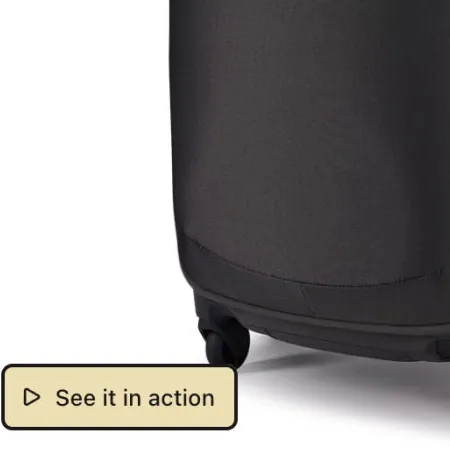
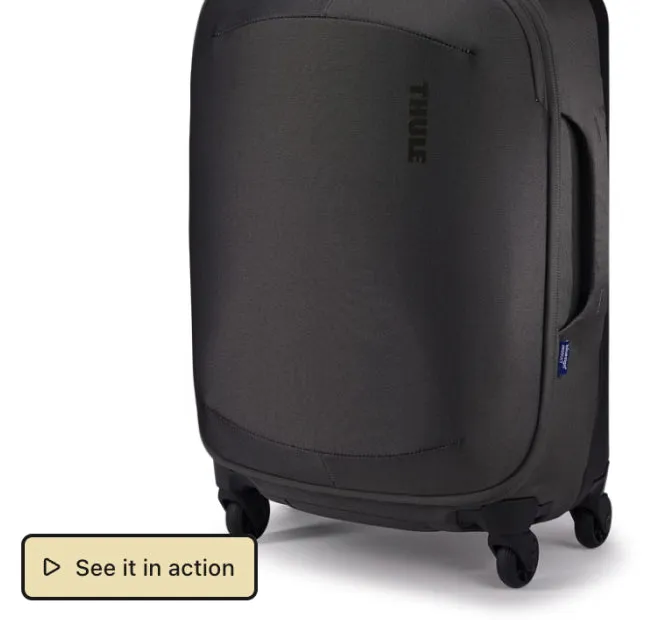
Labeled text button
A button with a clear label, such as See it in action.
A button on the photo opens a video, a size guide or a link. The shopper finds it where they are already looking, and the video plays over the page.
What it does
A video on another page and a size guide at the end of the description are easy to miss. A button puts them on the photo.
A button can play a video from YouTube, Vimeo or your Shopify files. It can also open a size guide or any link.
Write a short label with an icon, or use a small photo as the button. There are four styles and three sizes.
One button can show on every product. On Growth and Scale, each product can open its own video or link.
Live demo
Each one opens on our demo store in a new tab, so you can try it the way your shoppers will.
Demo store password 123
A button with a clear label, such as See it in action.
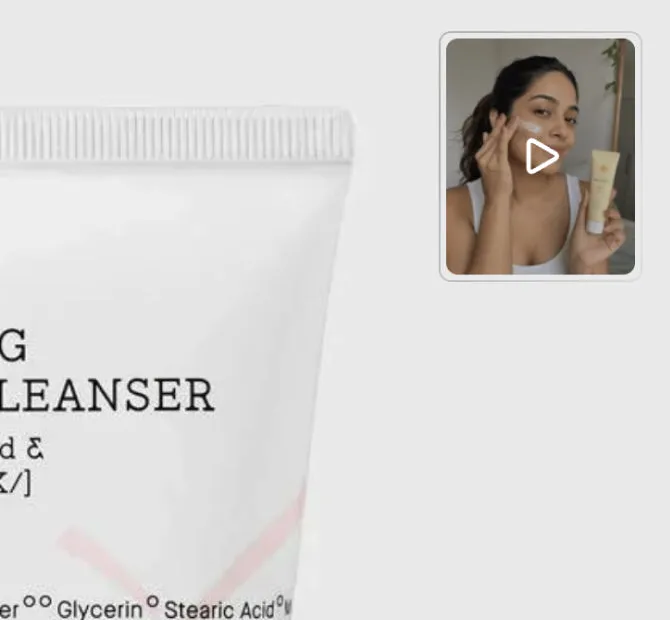
A small photo of a person using the product plays their video.
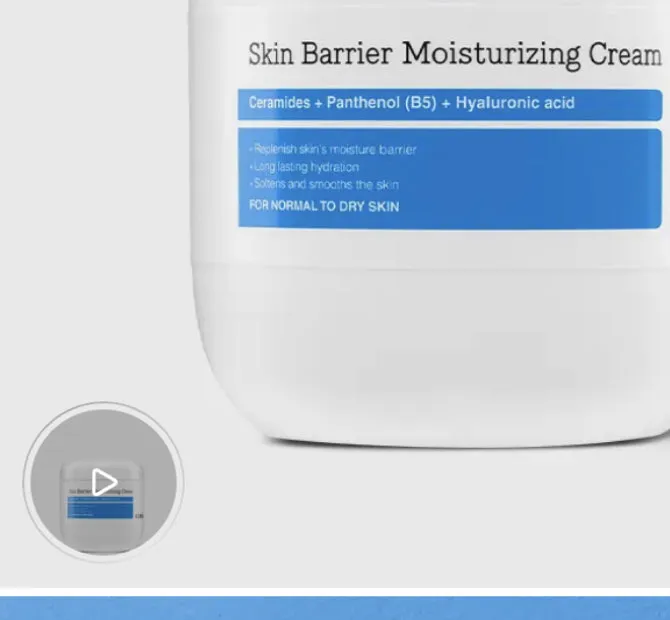
A round thumbnail with a ring, like the stories on Instagram.
A small text button with an icon, for a less important link.
How to add it
You need no code and no developer. You can start from a template, such as a video button.
Theme or LinkSpot
Your theme can show a link in the description, and some themes have a pop-up link for a size guide. This is what each one does.
A link in the description is fine for a page the shopper reads later. The video and the size guide they need while looking at the photo belong on the photo.
Scroll the table sideways to see every plan.
| Feature | Free | Starter | Growth | Scale |
|---|---|---|---|---|
| Volumes | ||||
| Buttons | 1 | 50 | 100 | 500 |
| Products or collections targeted per element When you target specific products or collections, this is the most you can pick for one element. | 4 | 20 | 30 | 50 |
| Personalisation | ||||
| Button links and videos from any metafield Point the link or the video a button opens at a product metafield you already use, such as one another app writes. | Not included | Not included | Not included | Included |
| Storefront | ||||
| Multi-language storefront | Not included | Not included | Included | Included |
Questions
A video from YouTube, from Vimeo or from your Shopify files, or an image such as a size guide. Both open in a popup over the page. A button can also open any link.
Free includes 1 button, Starter 50, Growth 100 and Scale 500. One button can show on every product in your shop, on every plan.
Yes, on Growth and Scale. One button reads the video, the image or the link from a metafield, and you set that metafield on each product in Shopify. On Scale, the button can read any metafield you already use.
In one of the four corners. It can sit on the photos you pick, on every photo of the product, or on the photos whose alt text contains a word you choose. It can also stay on the gallery while the shopper scrolls.
Save the size chart as an image or as a page in Shopify. Then put a button on the product photo that opens it. The image opens in a popup over the photo, and the page opens as a link. LinkSpot does not build the chart itself.
No. A page loads only the code for the elements it shows. A product with a button does not load the hotspot code or the annotation code. A video loads only when the shopper opens it.
Free plan · 7 day trial on paid plans
That is the whole test. If it does nothing for you, remove the app. Your theme is exactly where it was.
Demo store password 123