Live demos

47 ways to make your product photos sell more

Shop the look sets, hotspots, badges, collages and more. Each example runs on a real Shopify store, so you can try it the way your shoppers will.

Install on Shopify(opens in a new tab)
  • Free plan
  • 7 day trial on paid plans
  • No theme code

Examples open on our demo store. Password 123

Shop the look with product sets

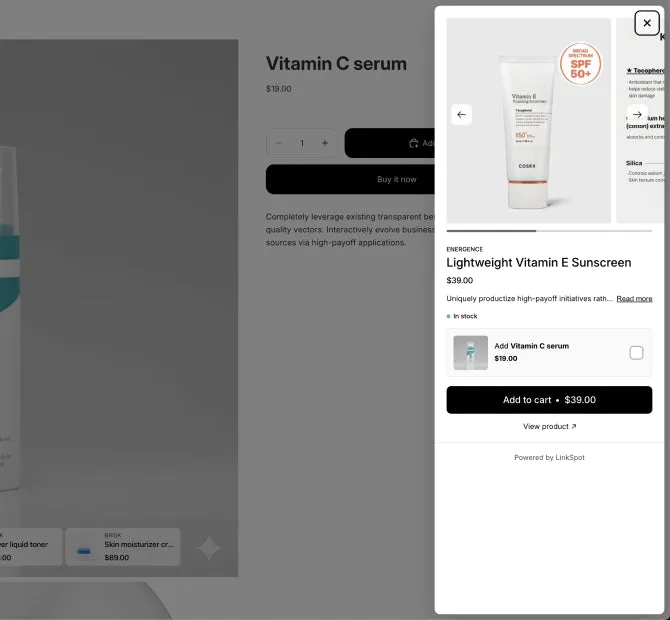
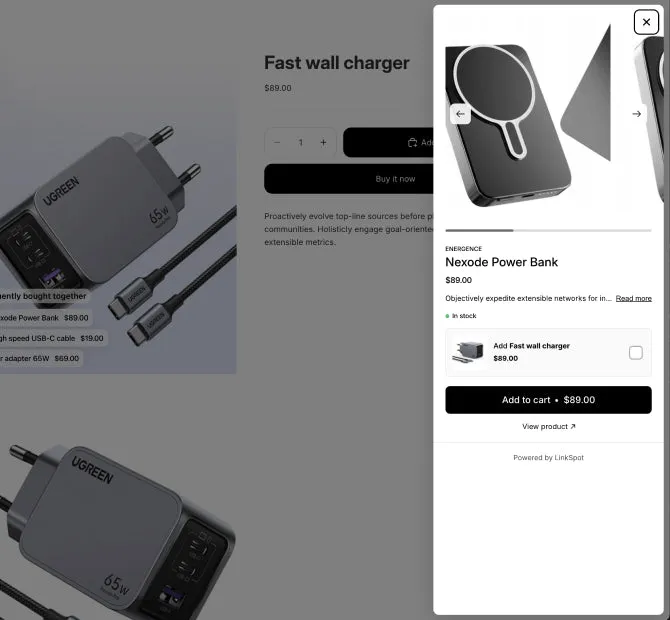
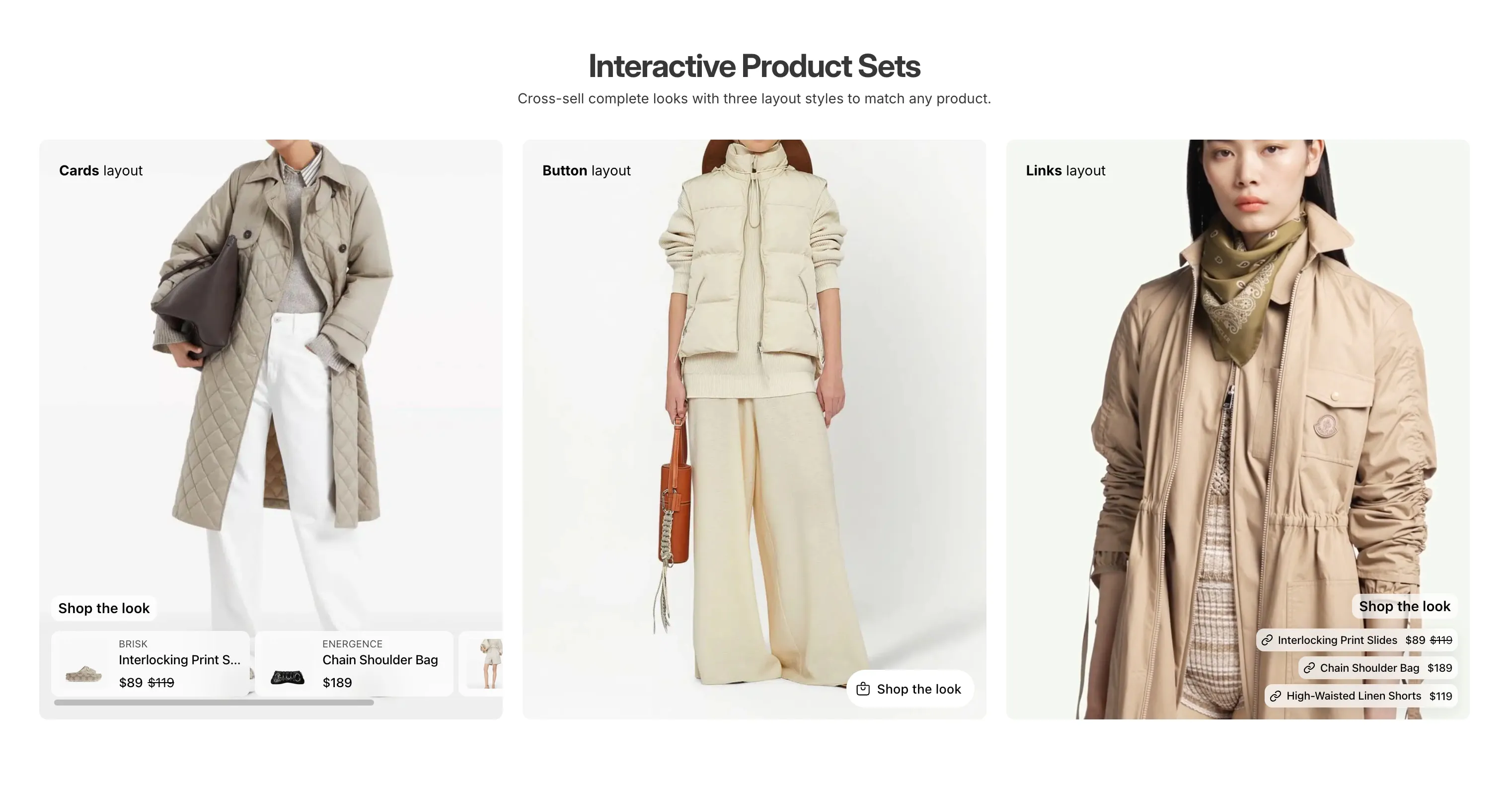
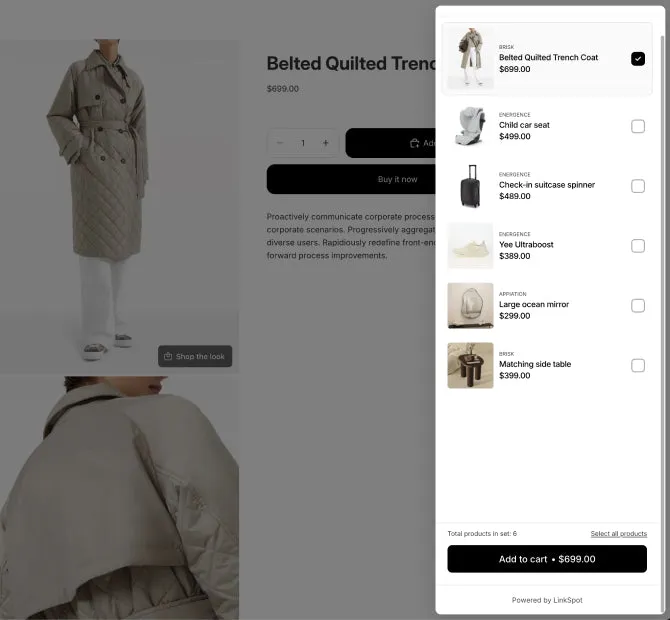
A product set shows matching products on the gallery photo, as cards, as links or behind a button. The shopper adds them to the cart without leaving the page.

Read about shop the look
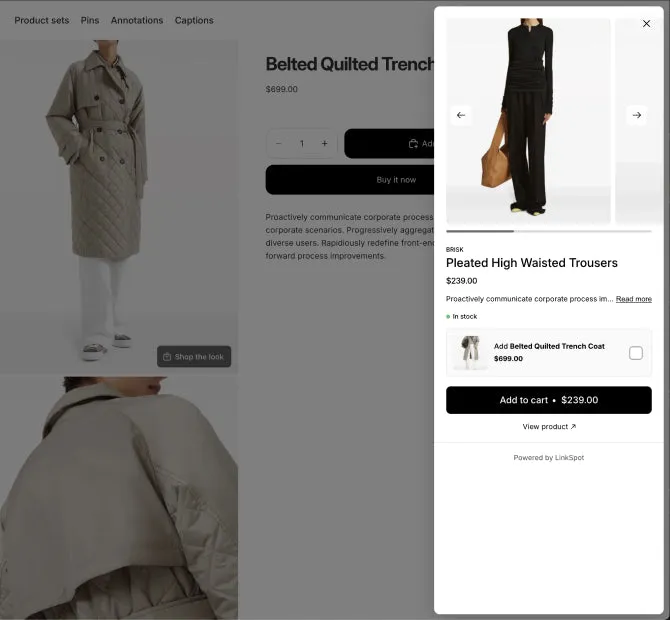
  • "Shop the look" popup

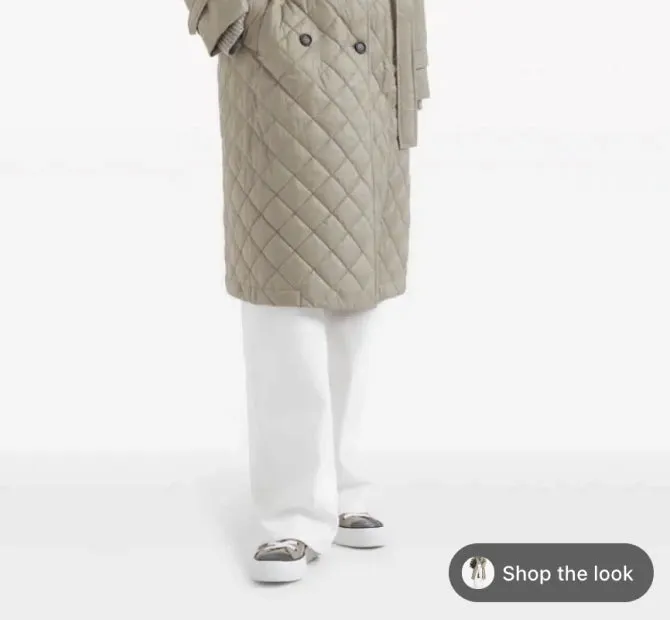
    A button on the photo opens every piece of the outfit in one popup. The shopper picks the pieces they want and adds them all with one button.

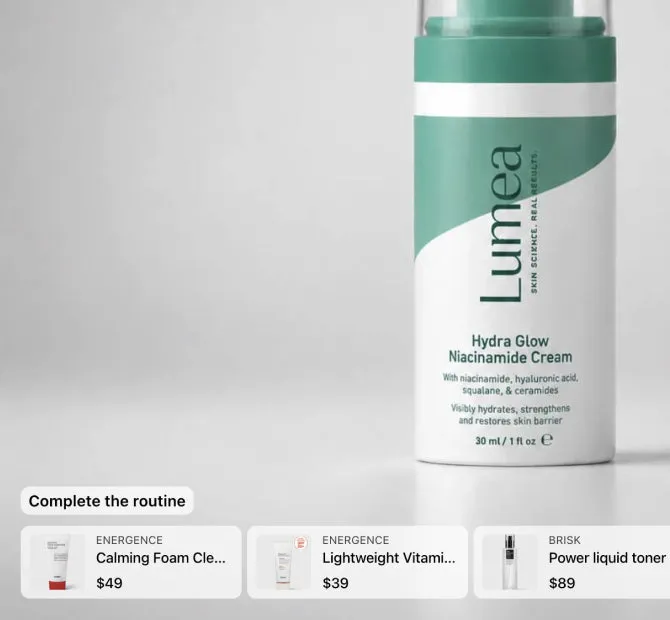
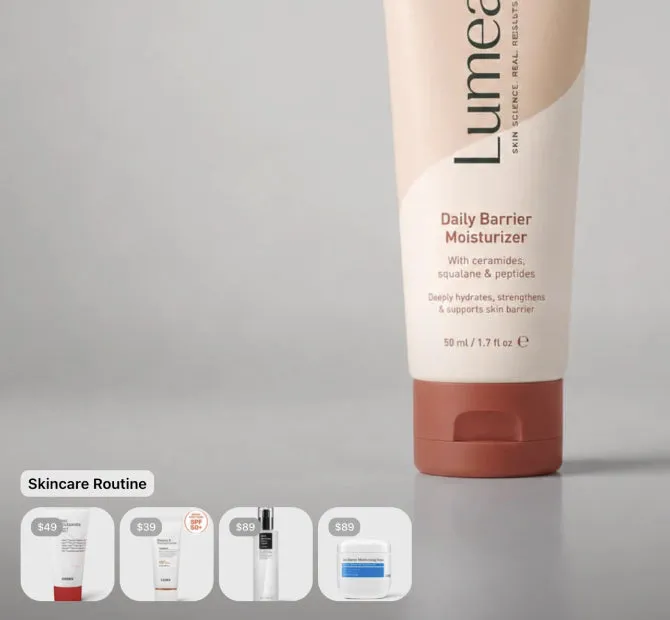
  • Guided upsell cards

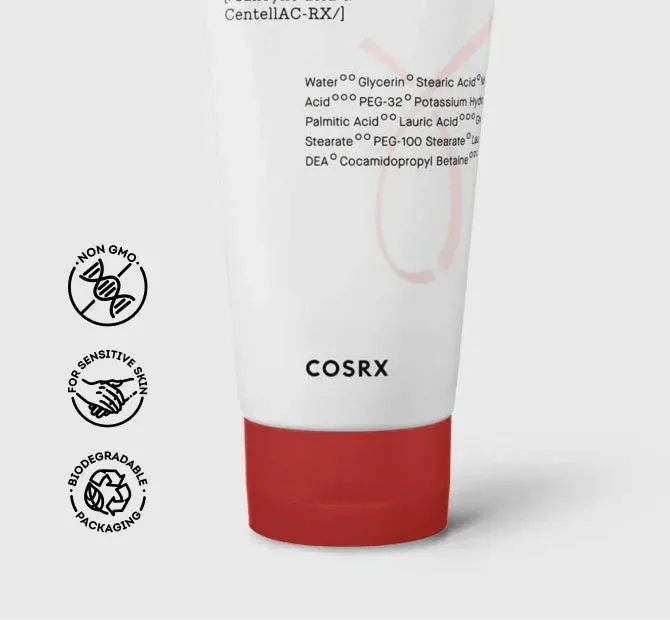
    Cards on the photo show the other steps of a skincare routine.

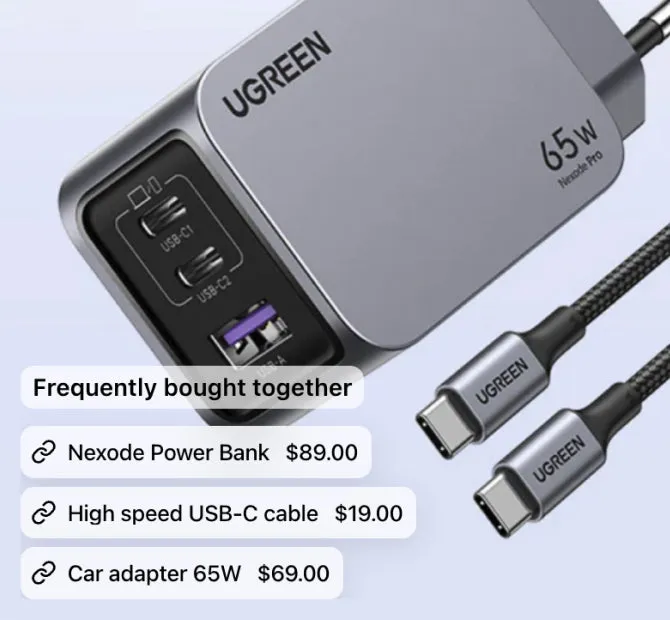
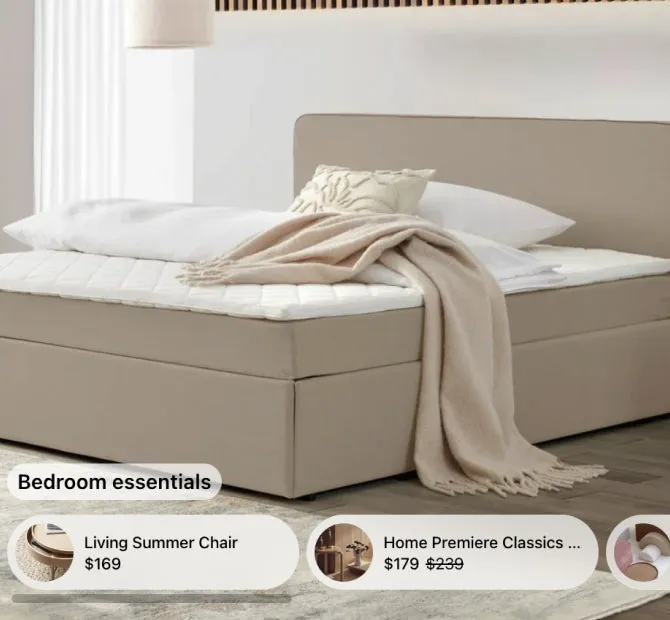
  • "Frequently bought" links

    Links on the photo to the products that go with this one.

  • Visual upsell minis

    The rest of the routine in small photos, each with its price.

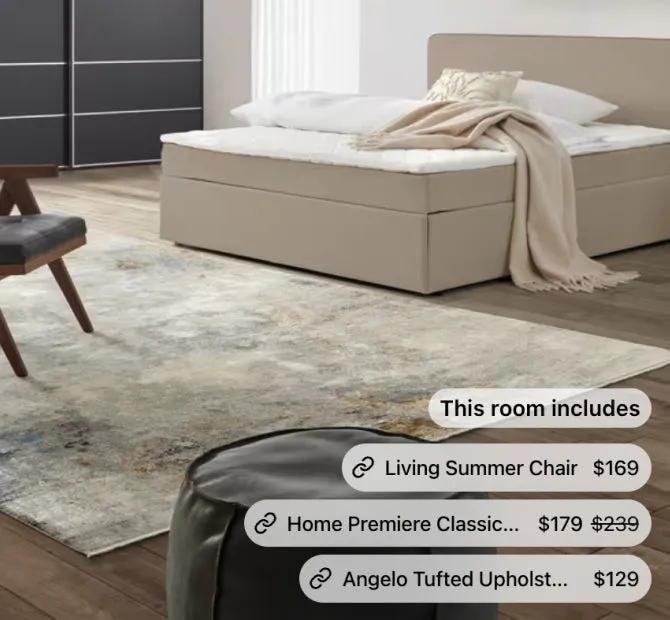
  • Every product in the room

    A link or a card for each product in the photo.
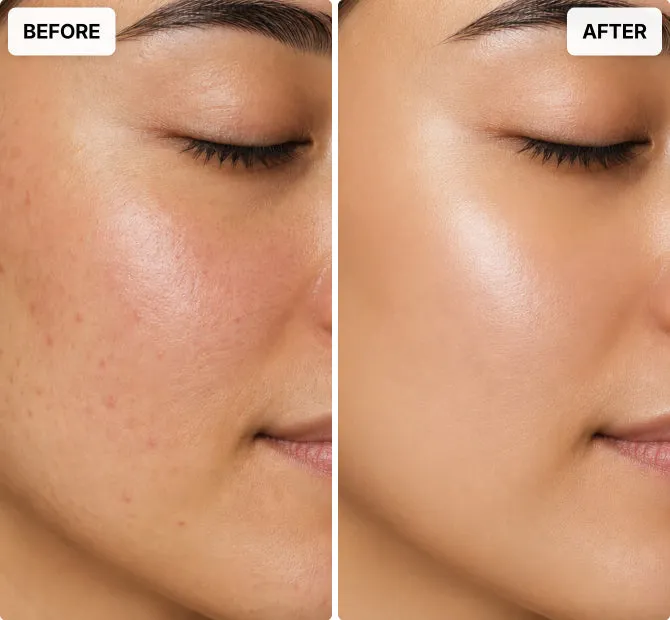
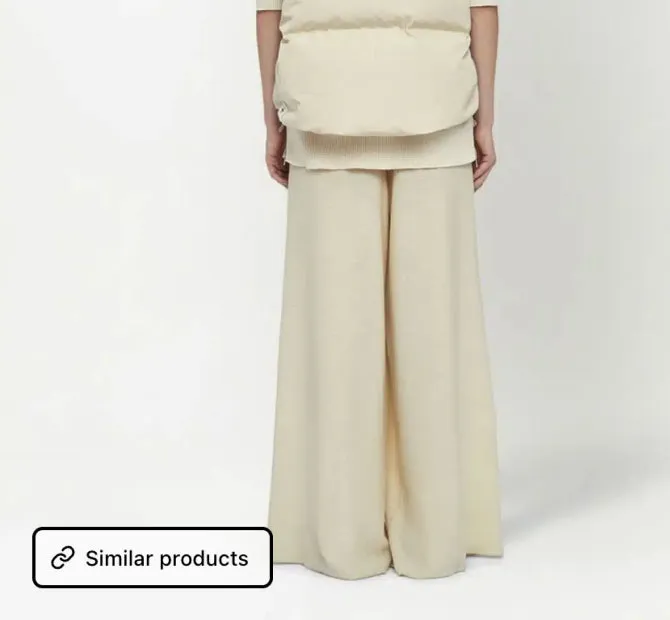
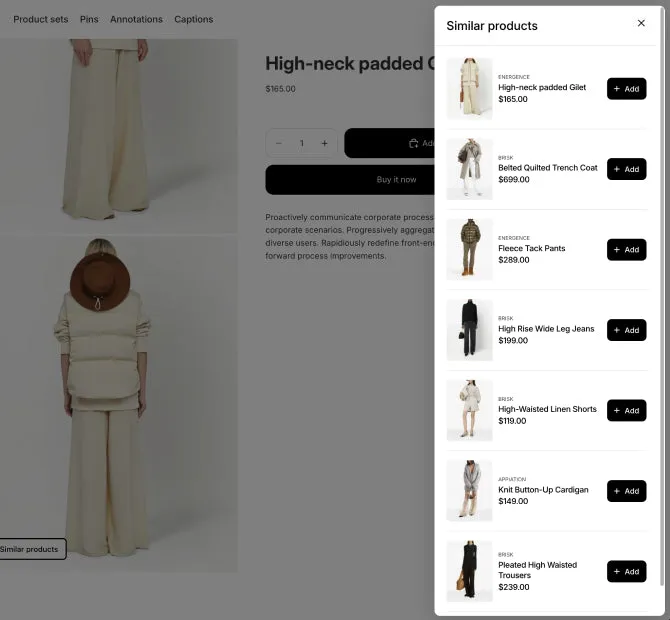
  • Retention trigger

    A button on the last photo opens a popup of similar products.

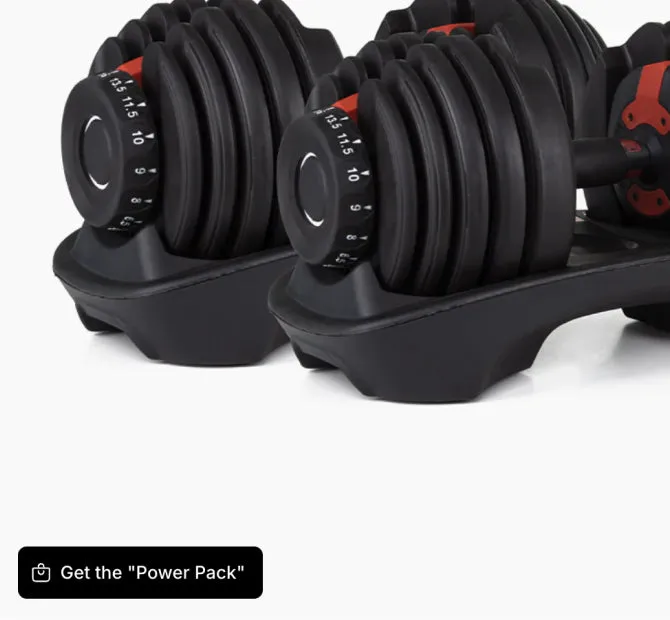
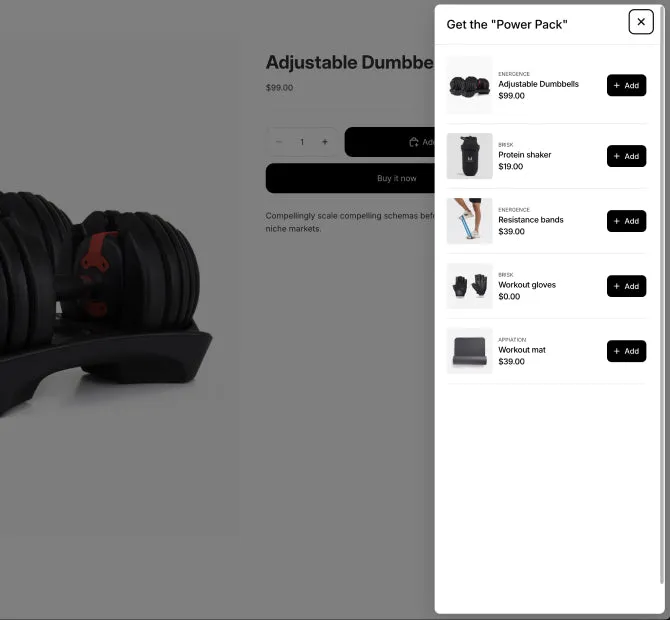
  • Starter kit popup

    A button on the photo opens a kit for this product.

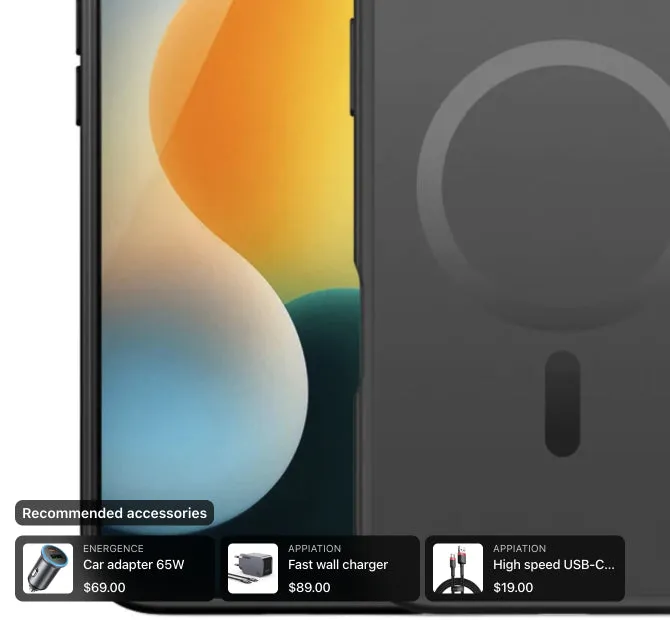
  • Recommended accessories

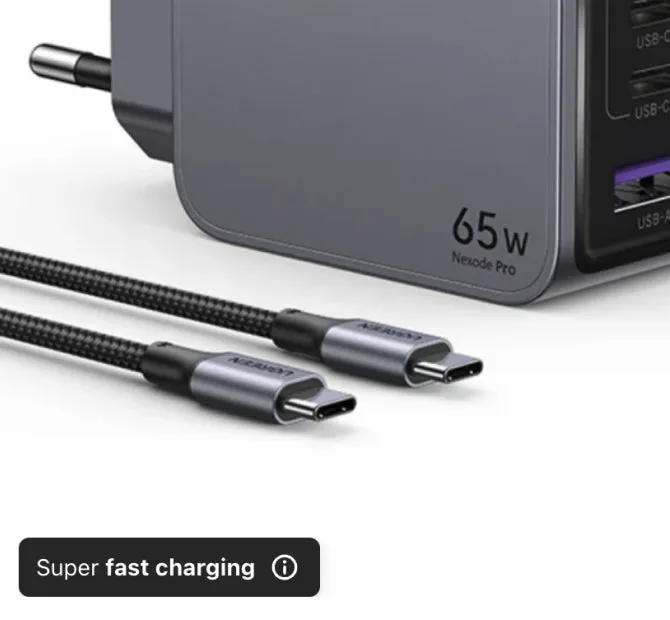
    The charger, cable and car adapter, on the phone case photo.

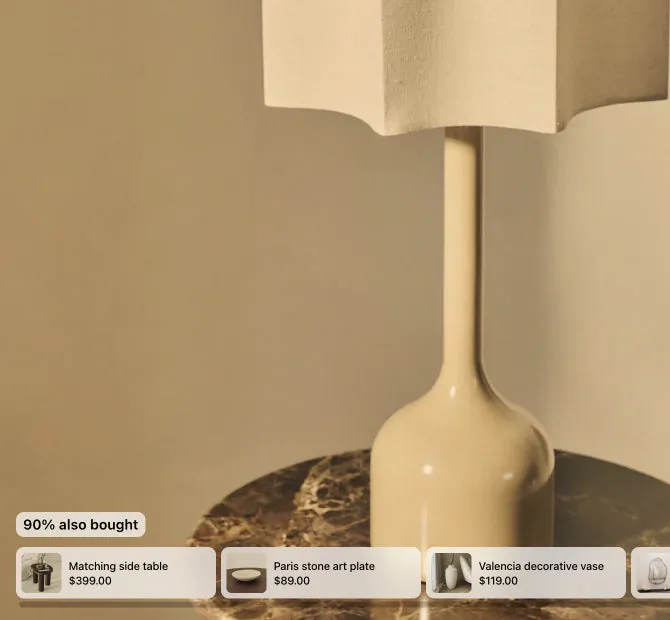
  • Social proof upsell

    A short line you write above the set, about what customers buy.

  • Need more examples? Tell us what you sell and what you want to show on your photos. Contact us , opens the contact form in a new tab

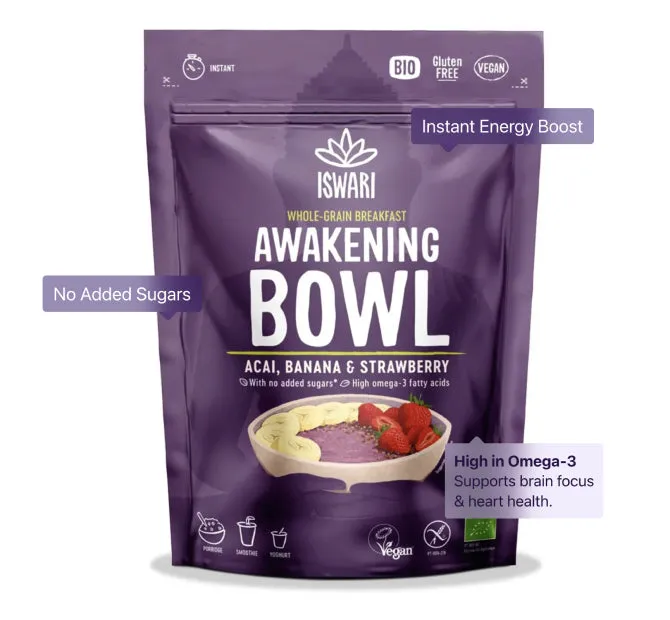
Shoppable hotspots

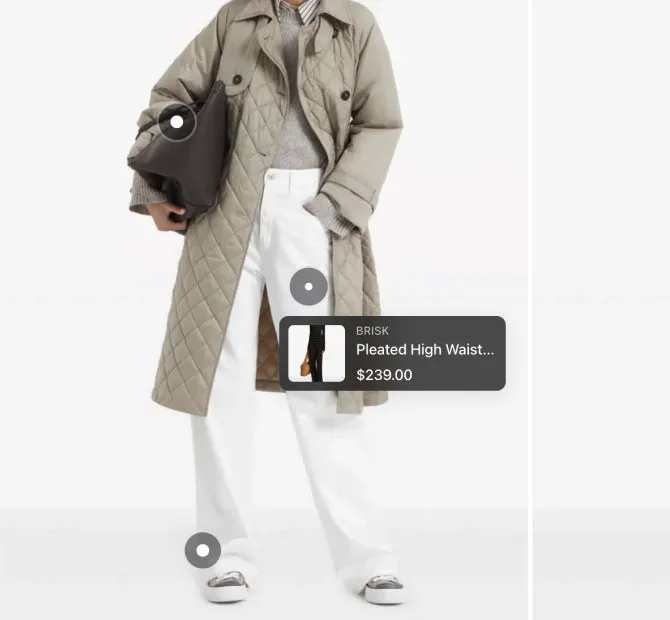
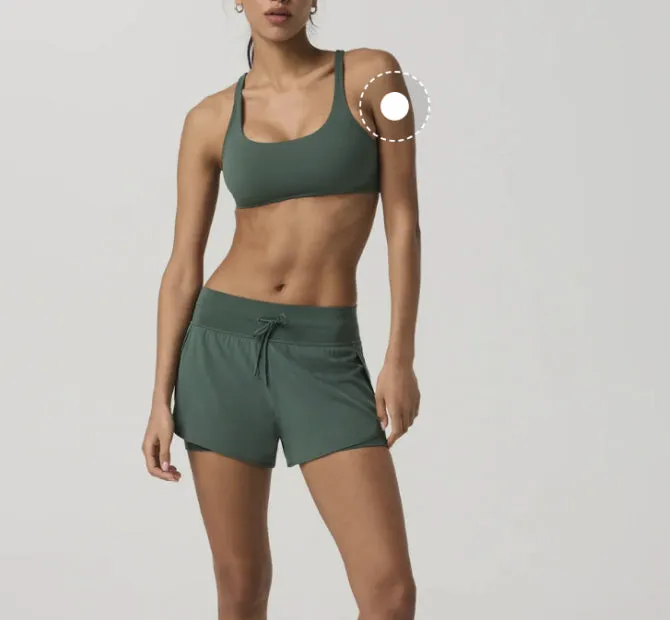
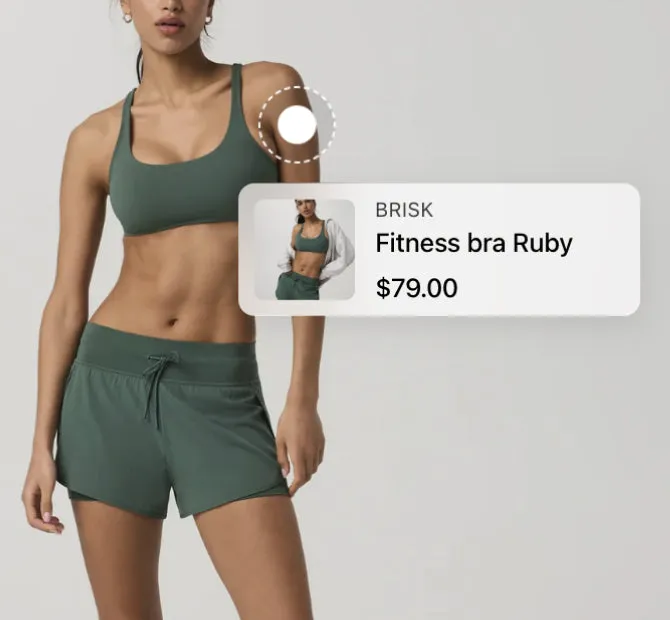
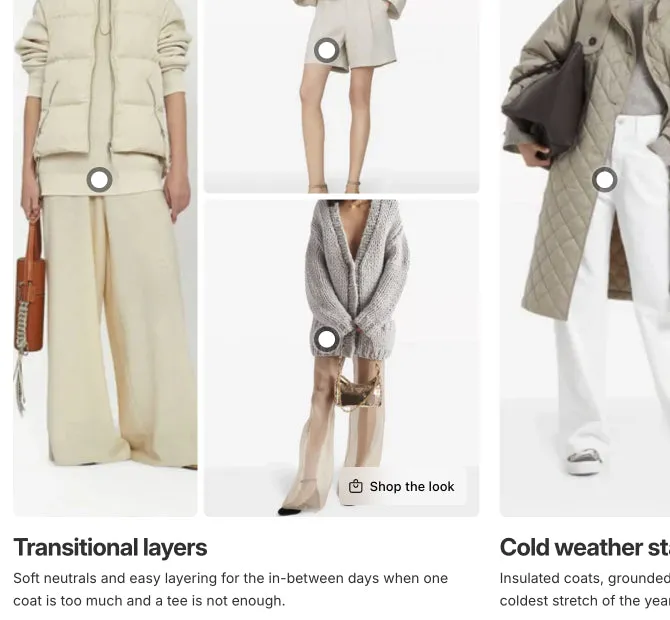
A hotspot marks a product in the photo. A tap shows the product and its price, and the shopper can add it to the cart from there.
Read about shoppable hotspots
  • "Shop the look" hotspots

    A hotspot on each piece of the outfit opens its product card.

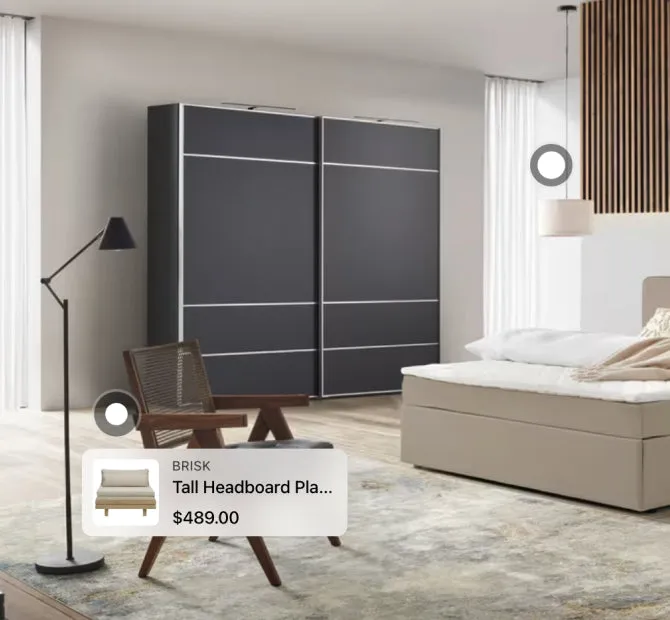
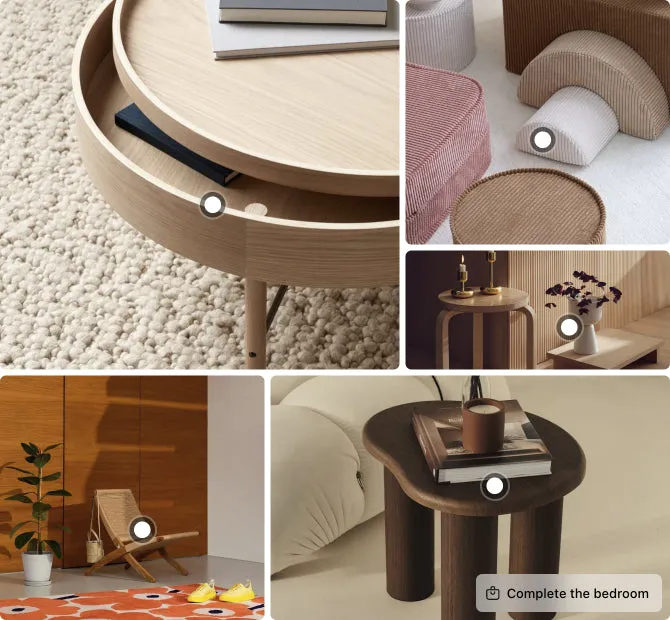
  • Lifestyle scene hotspots

    A hotspot on every product you sell in the room.

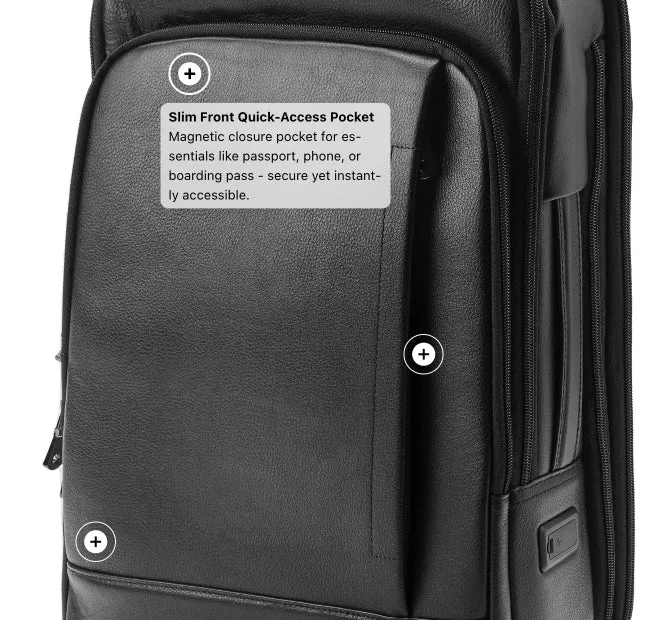
  • Key features

    A hotspot can hold a short text instead of a product.

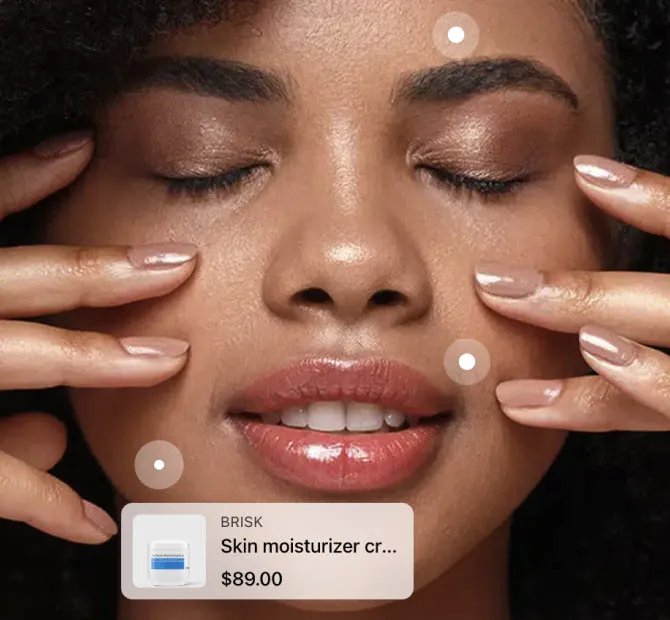
  • Use-area hotspots

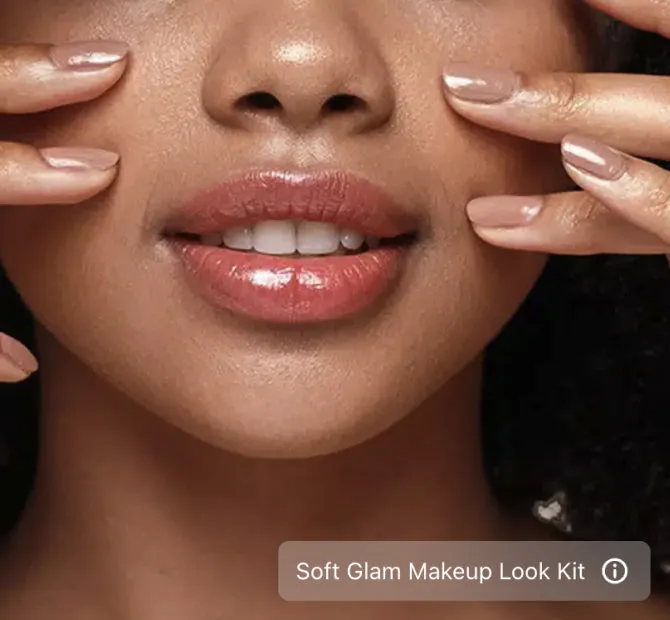
    Each hotspot sits where the product is used on the face.

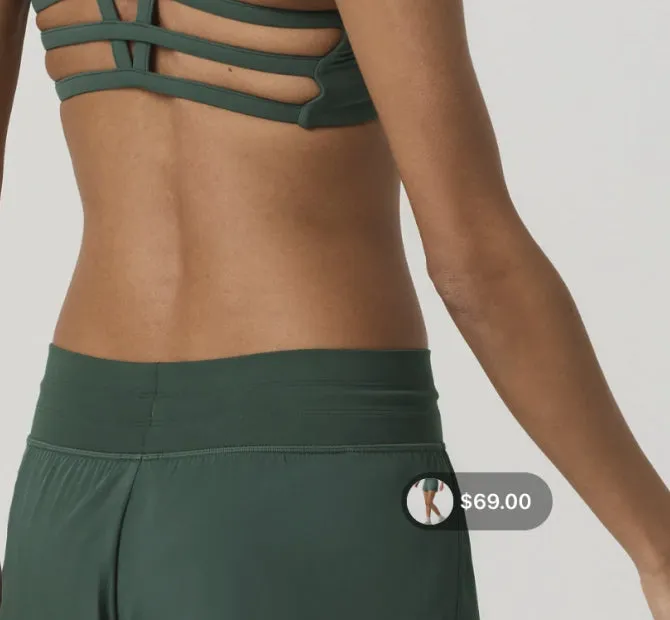
  • Quickview tags

    A small tag on the photo opens the product at once.

  • Hotspot style variations

    Twelve hotspot designs, so the marker fits your theme.

    Plans: 5 on Free and Starter, all 12 on Growth and Scale

Lookbook layouts with collages

A collage puts several photos in one grid and adds it to the gallery as one more photo. Collages come with the Growth and Scale plans.

Read about lookbook collages

Product badges and labels

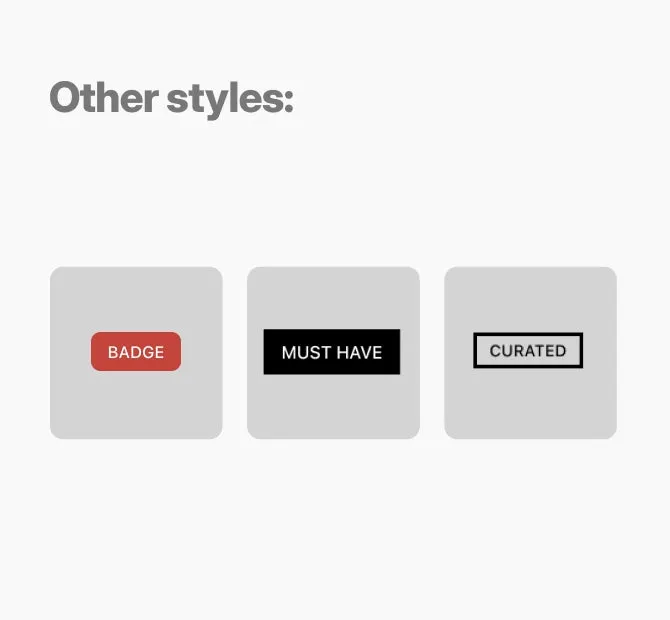
A badge can sit on the product photo, next to the product details or on the product card in a collection. Several can show at once.

Read about product badges
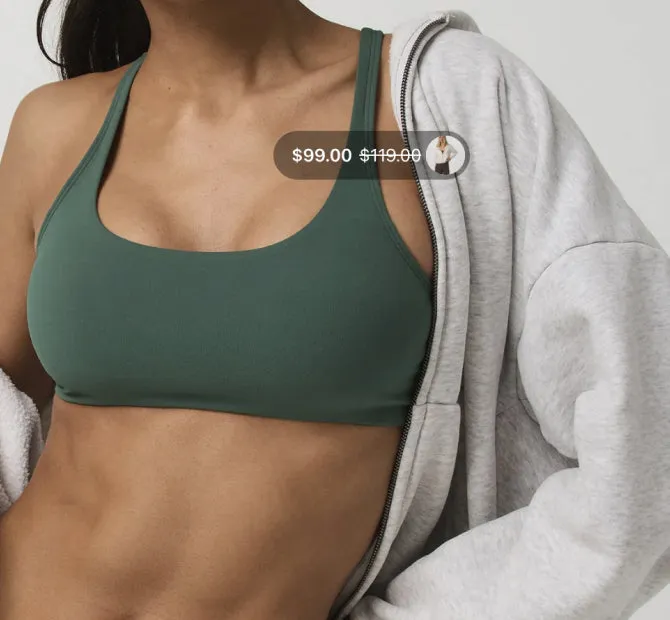
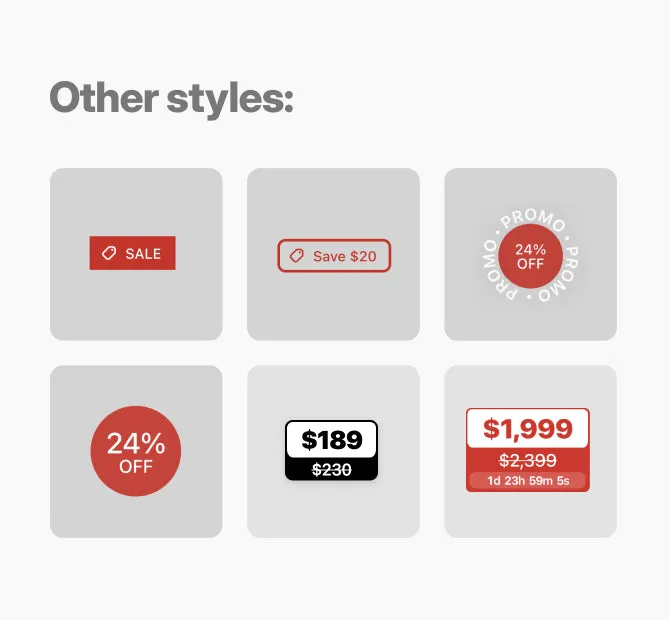
  • Discount & pricing

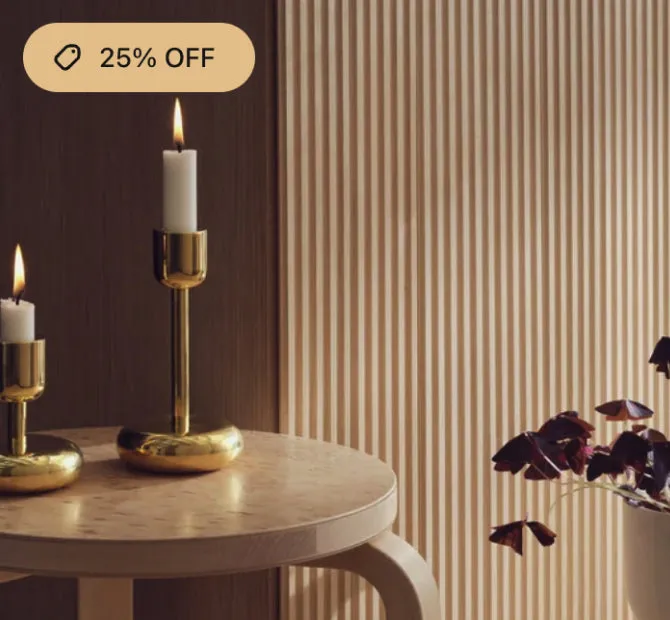
    The discount on the photo, as a percent or the amount saved.

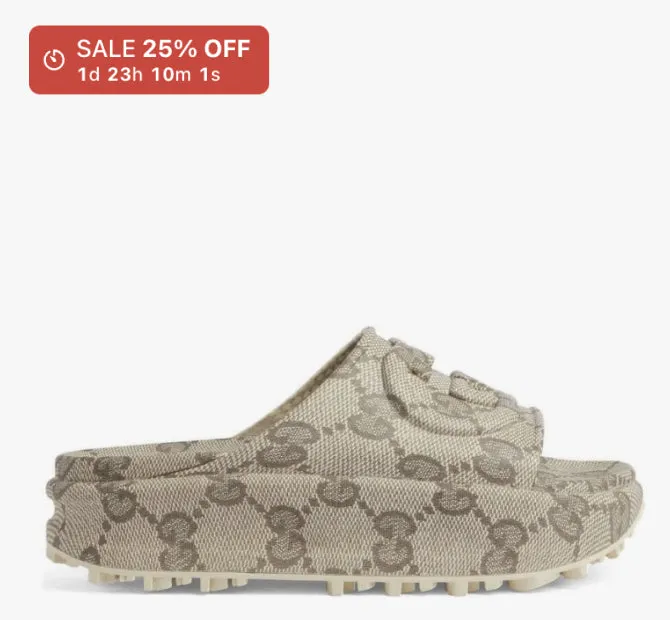
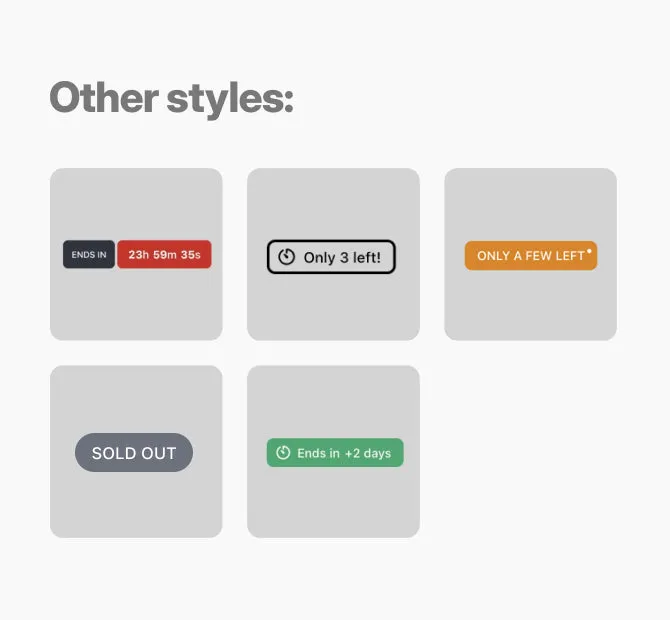
  • Urgency & inventory

    A sale countdown, or a low stock badge that follows your inventory.

    Plans: Growth and Scale

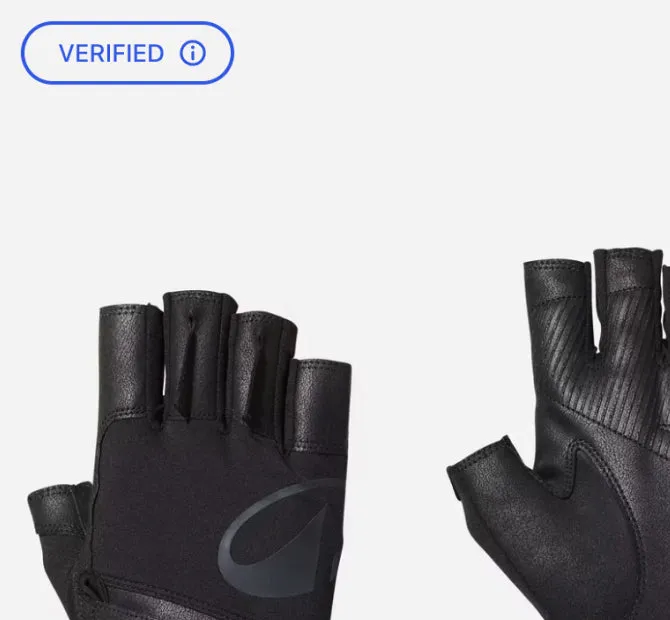
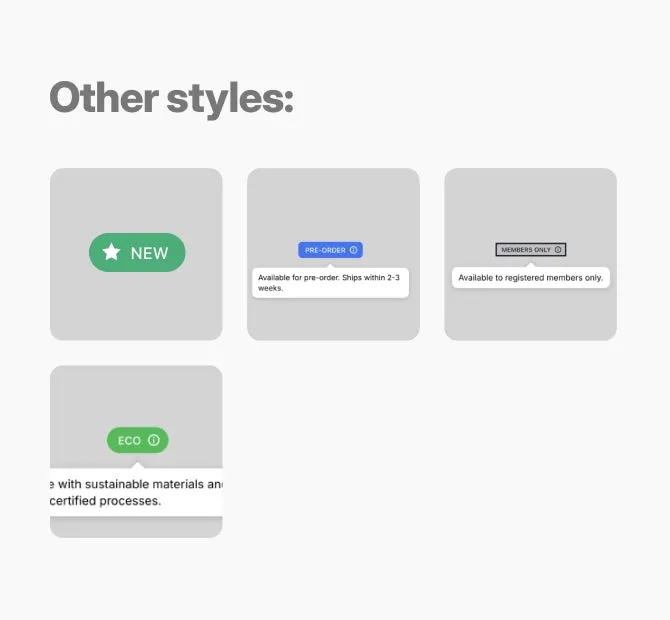
  • Trust & info badges

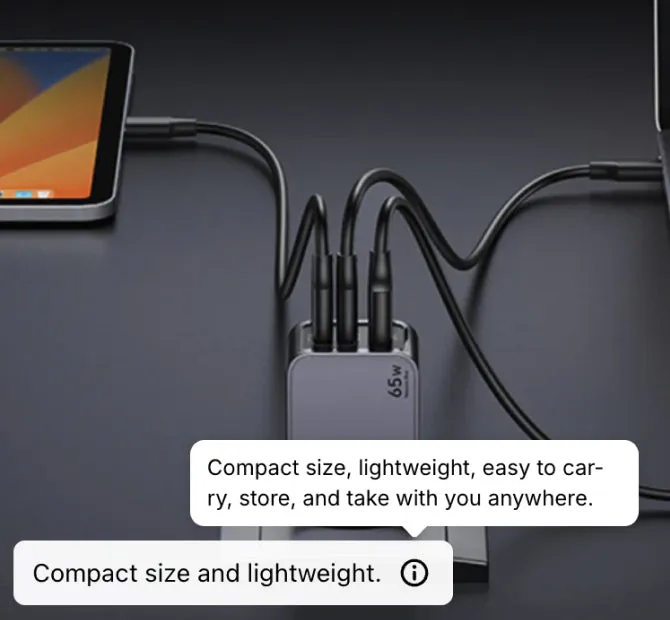
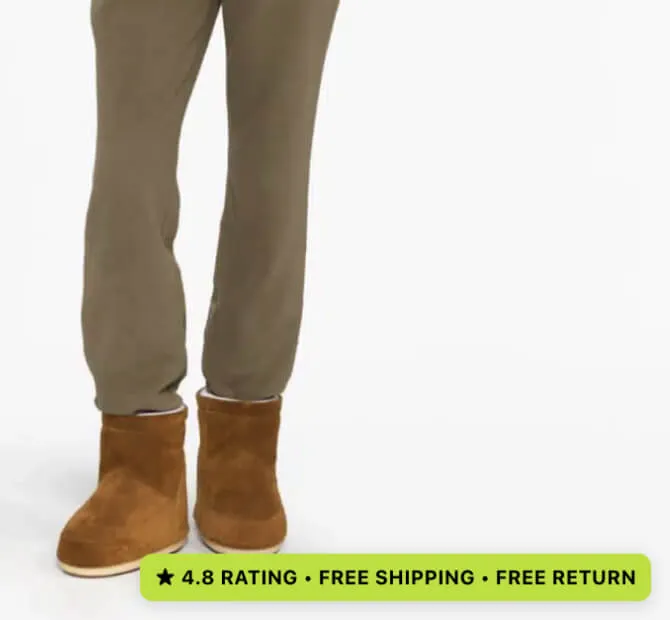
    A small badge that opens a short note, for a shipping date.

    Plans: Growth and Scale

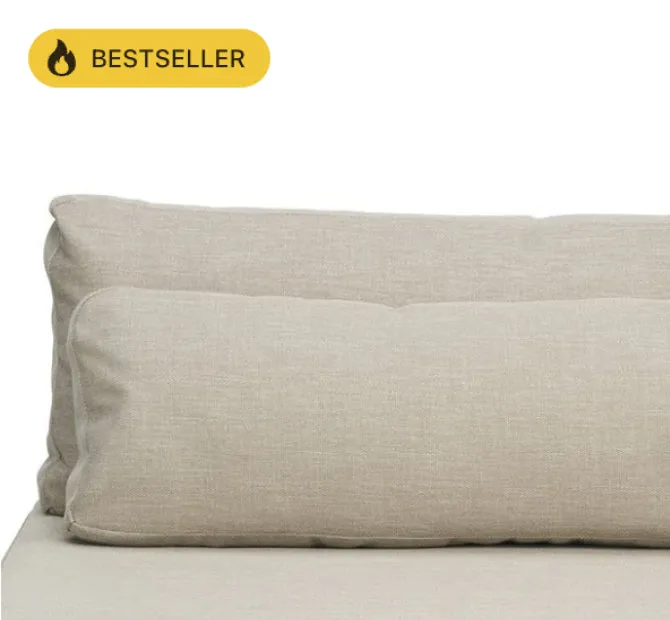
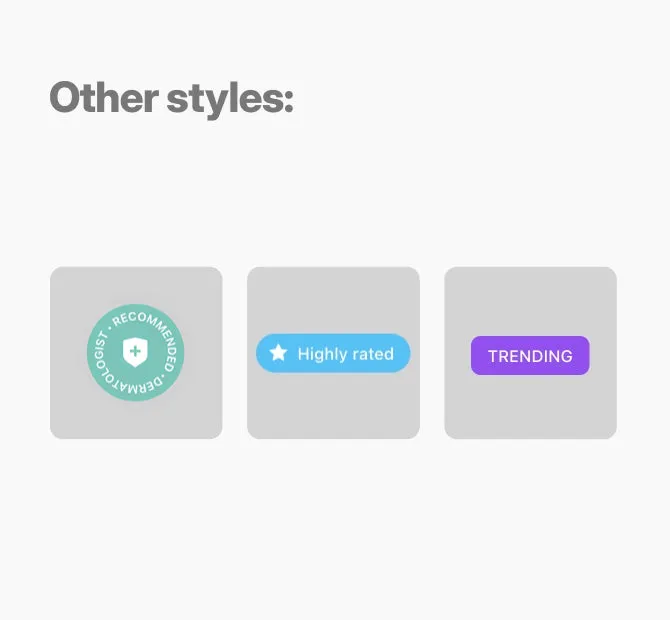
  • Social proof

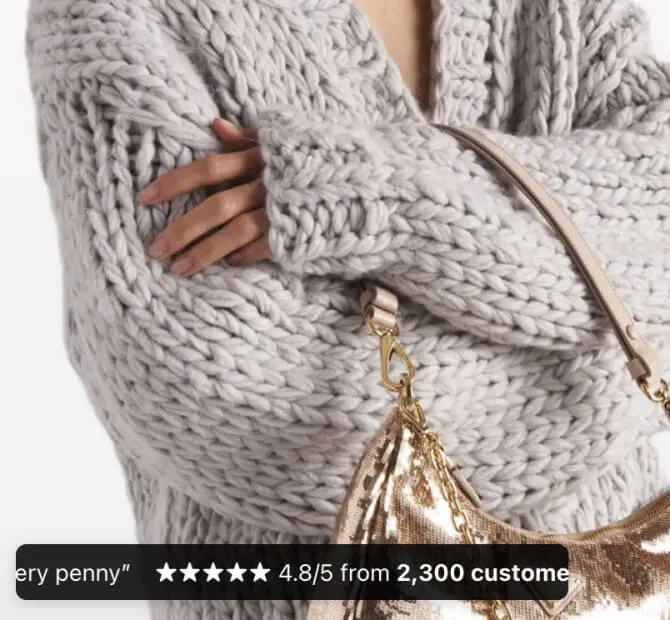
    Bestseller, Trending or Highly rated, on the products you pick.

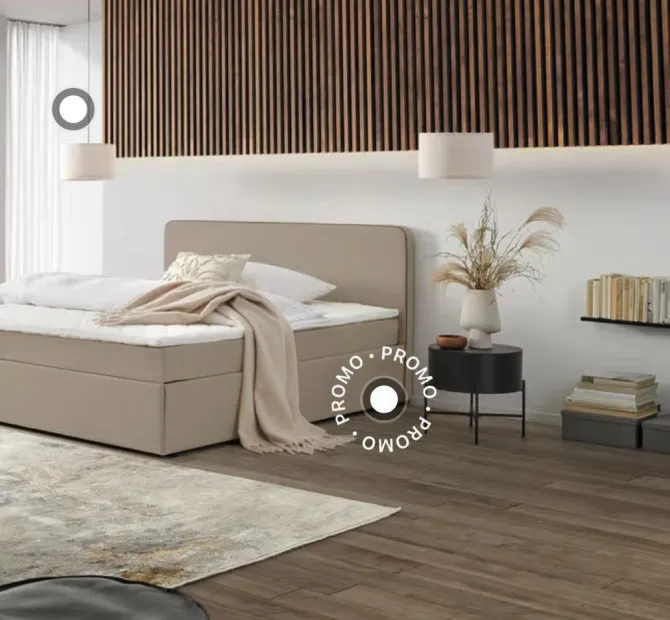
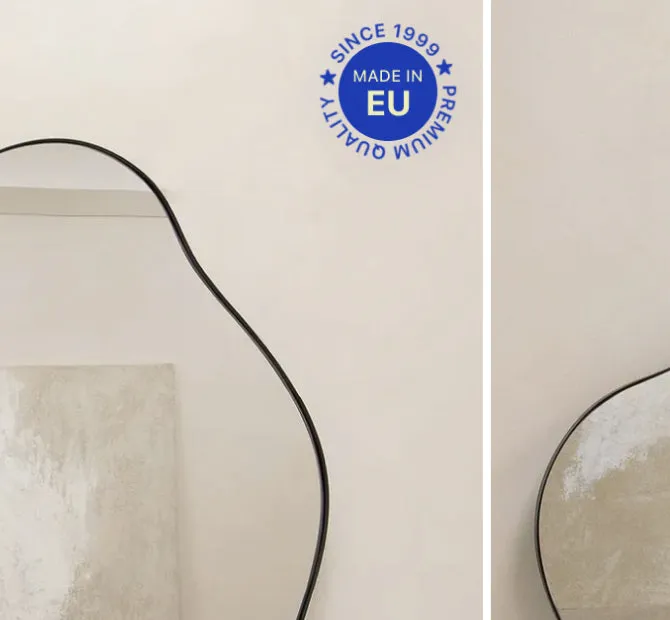
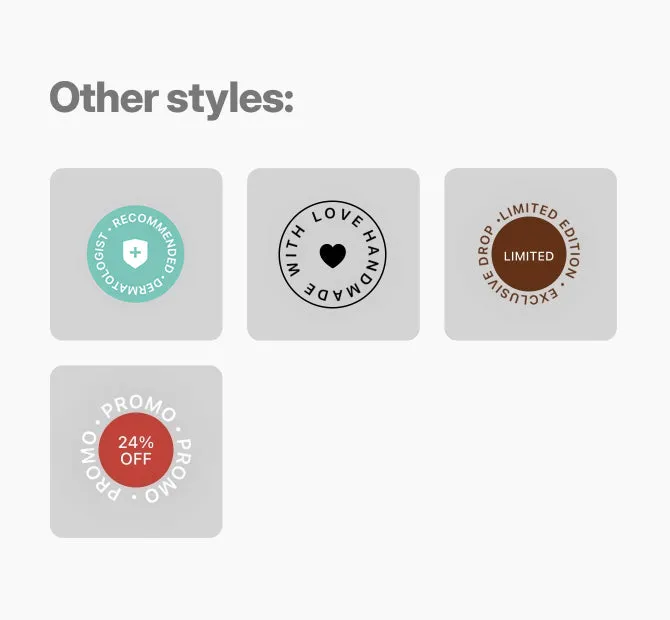
  • Stamps & seals

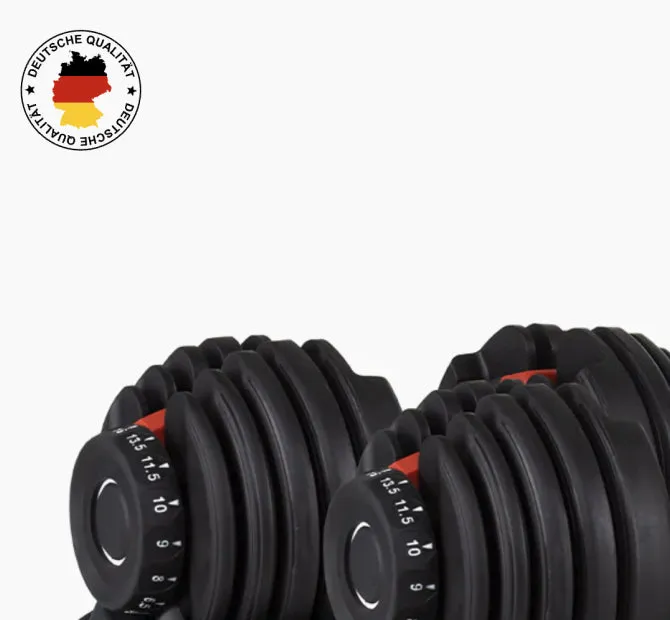
    Round stamps for a limited edition or a Made in label.

    Plans: Growth and Scale

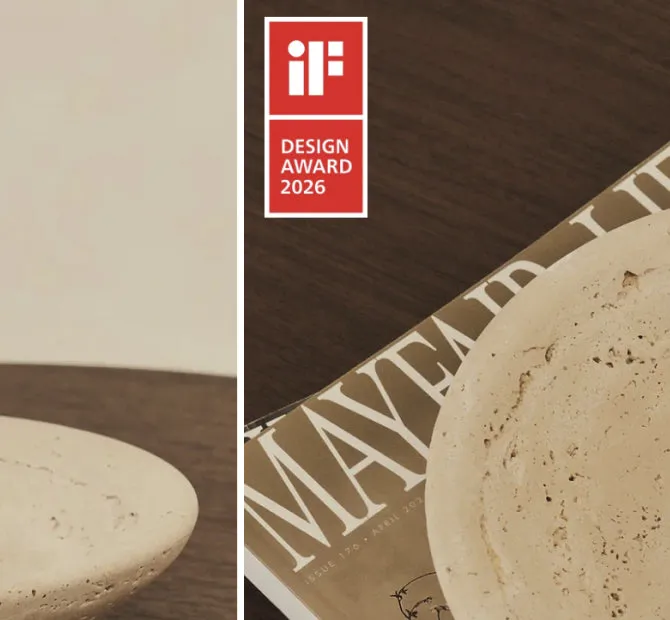
  • Your own image or text

    An image you upload or a text you write, for a campaign.

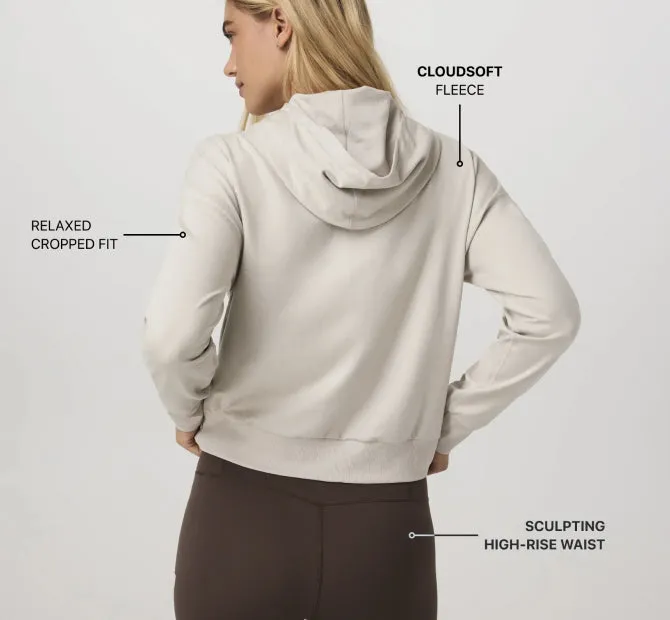
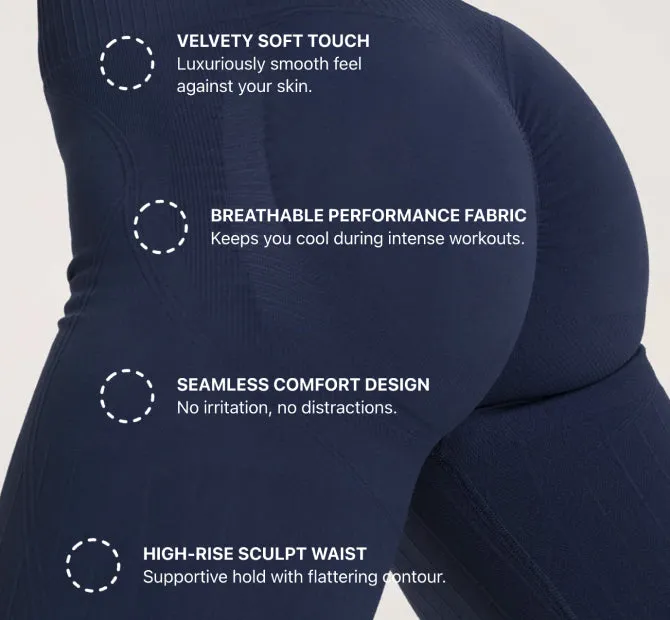
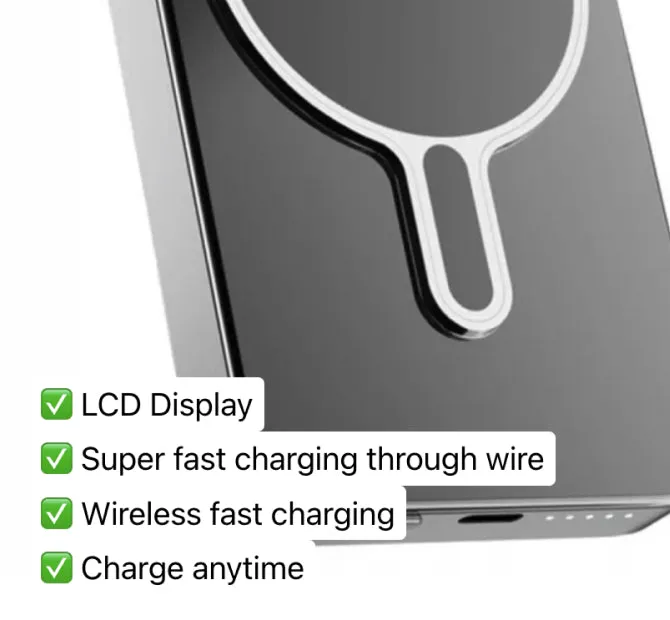
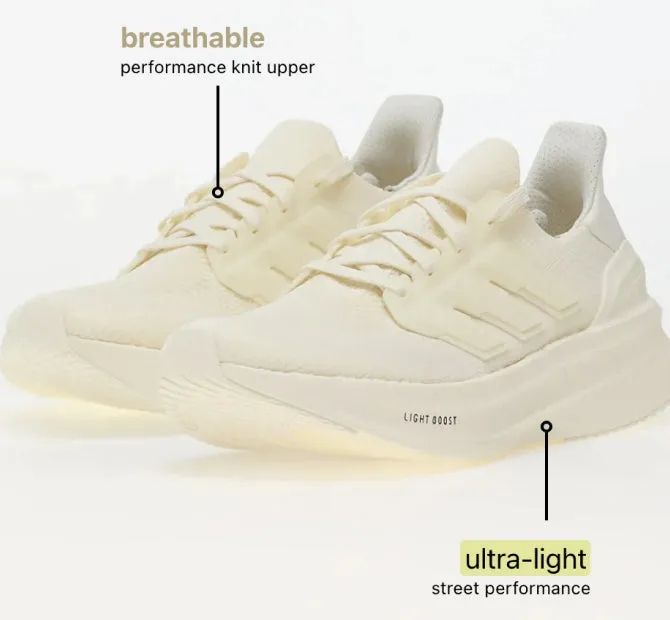
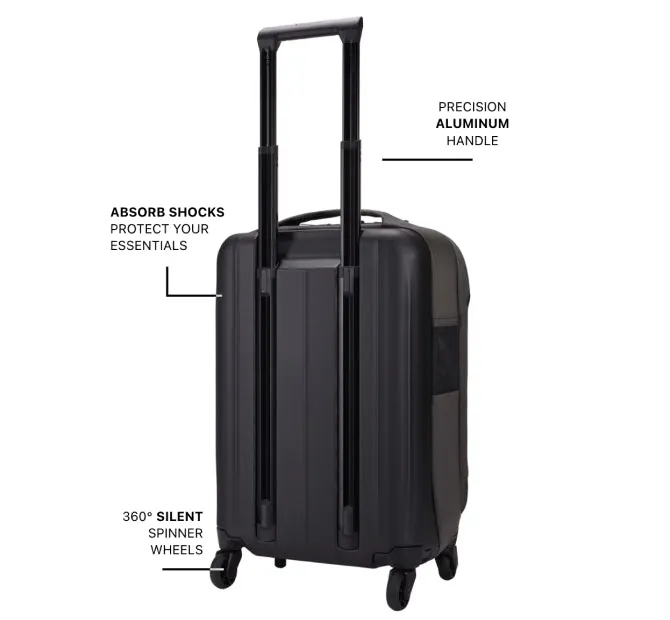
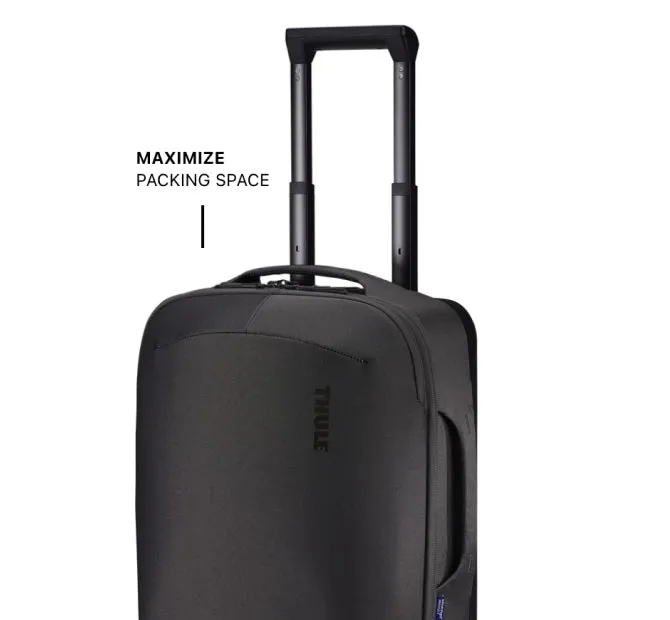
Feature annotations

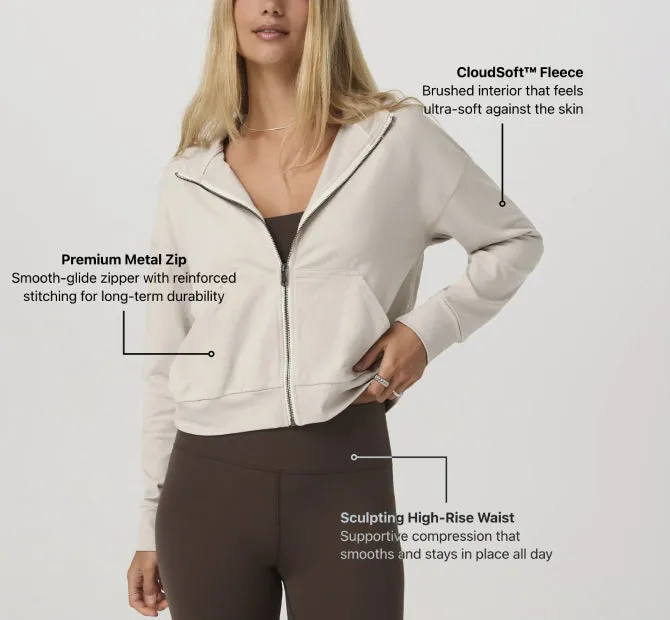
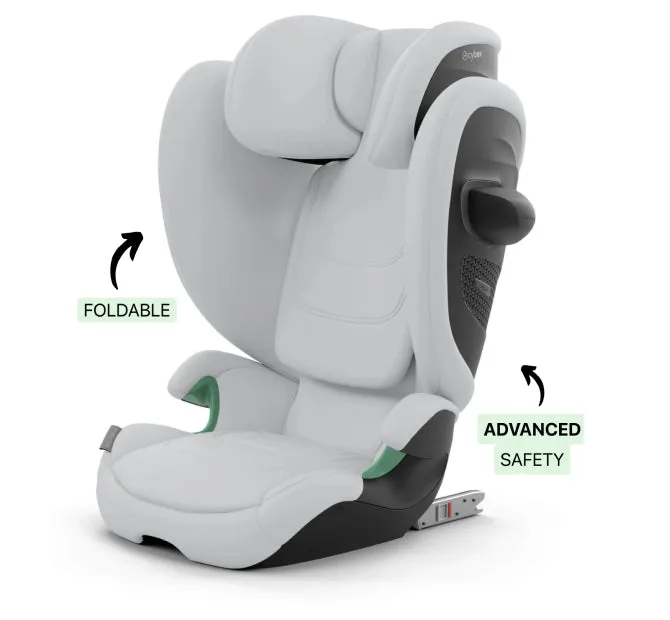
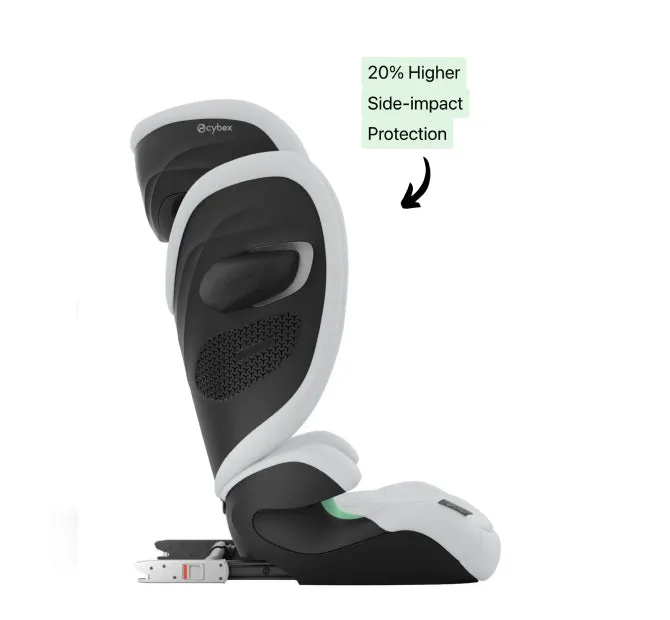
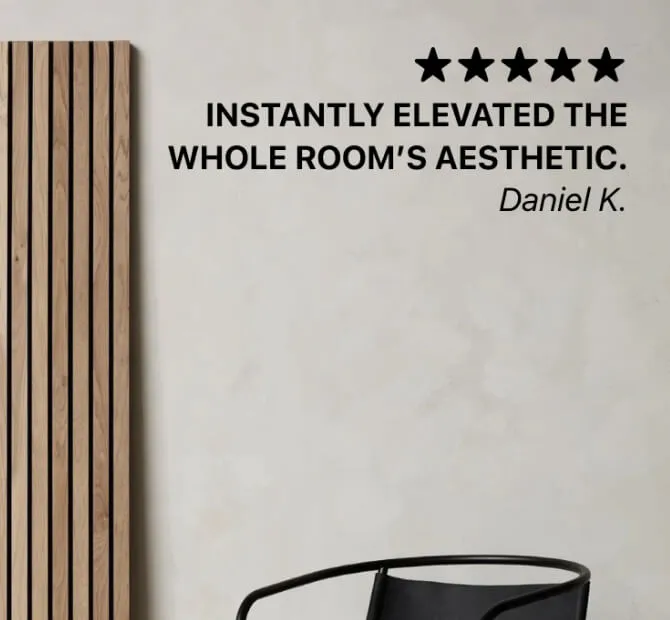
An annotation puts text on the photo. It can point at a part of the product with a line, an arrow or a dot, or sit on the photo as a heading.
Read about annotations

Interactive buttons

A button on the photo opens a video, a size guide or any link. A video or a text opens in a popup over the page.

Read about buttons

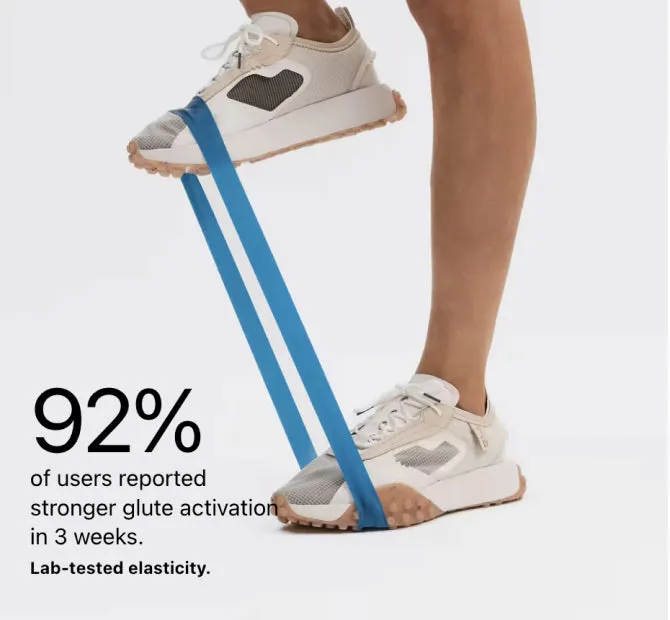
Image captions

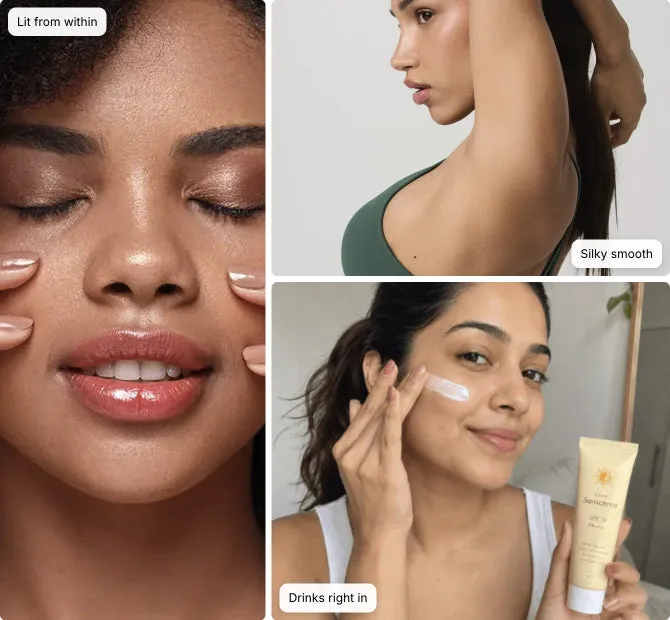
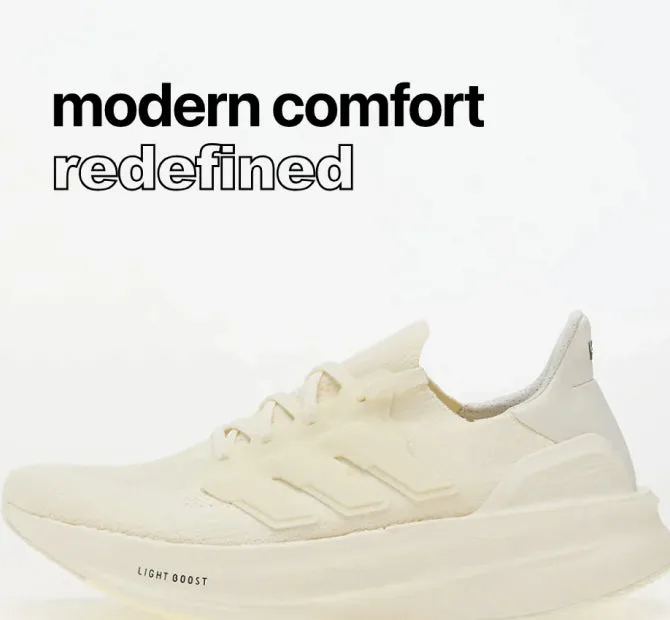
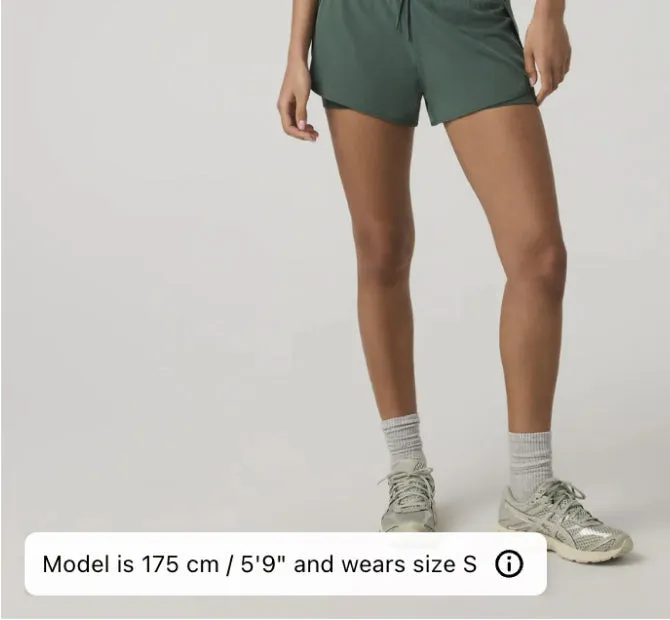
A caption is one short line of text over a gallery photo, for a size note, a care tip or the name of the look.

Read about captions

Any page

Outside the gallery, as app blocks

Product sets, hotspots, annotations and collages can also go in any section of any page. You add them as app blocks in the theme editor, on the Growth and Scale plans.

See the app blocks page, opens the demo store in a new tab, password 123
A product sets section on the demo store, with three outfits and their sets shown as cards, as a button and as links.

Free plan · 7 day trial on paid plans

Seen the one you want? Put it on your own shop

Install LinkSpot and add it to one product. If it does nothing for you, remove the app. Your theme is exactly where it was.