
Shoppable lookbook
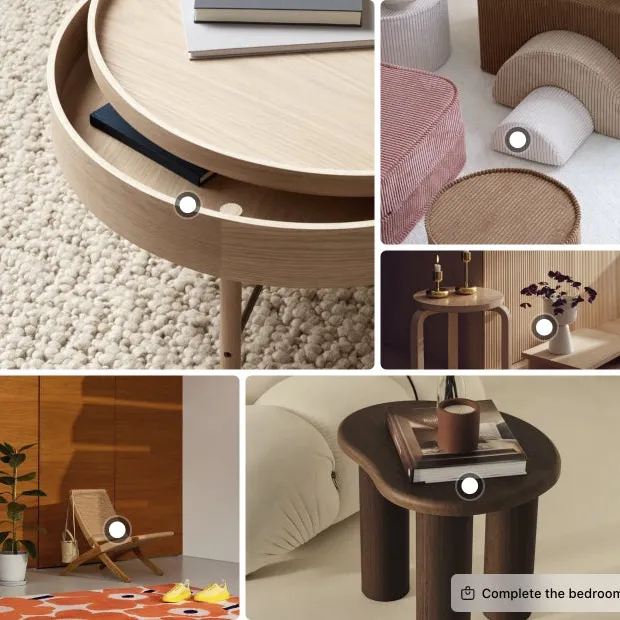
A grid of styled room photos, with a hotspot on each product.
A lookbook collage puts up to five photos in one grid and adds it to the gallery, after the photo you choose. Your other photos stay where they are. Collages come with the Growth and Scale plans.
What it does
A collage puts several photos in one slot, so the scale shot and the close-up arrive together.
Build the grid from up to five products or photos, in one of five layouts. Your own photos can carry a caption.
Products in the grid can carry hotspots, and a button can open them all as a shop the look set.
LinkSpot saves the collage as one image on the product. Your theme shows it like any other photo.
Live demo
Each one opens on our demo store in a new tab, so you can try it the way your shoppers will.
Demo store password 123
A grid of styled room photos, with a hotspot on each product.

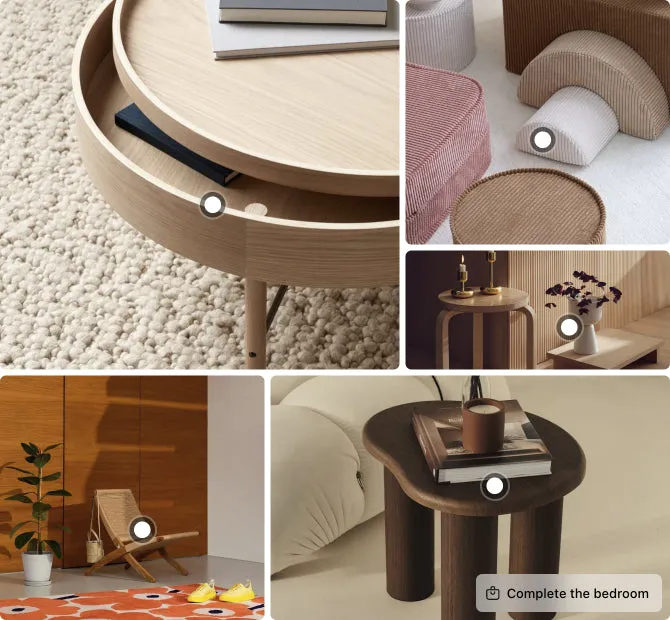
Three photos in one grid, so the shopper sees them without swiping.
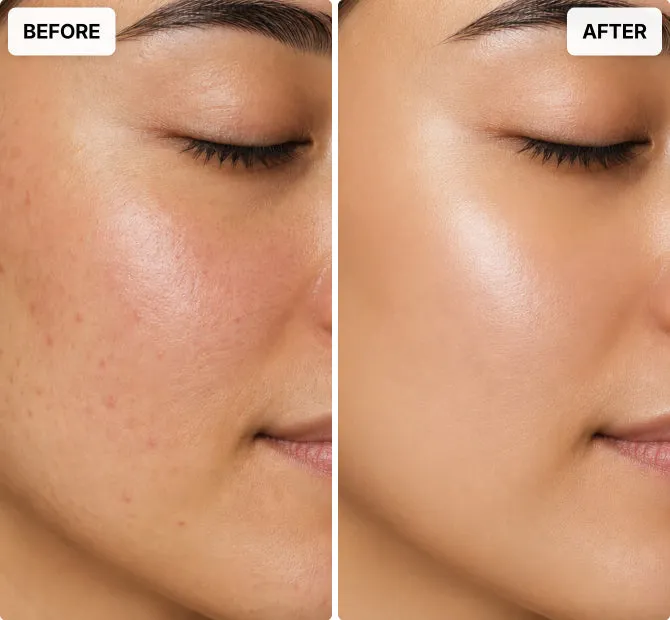
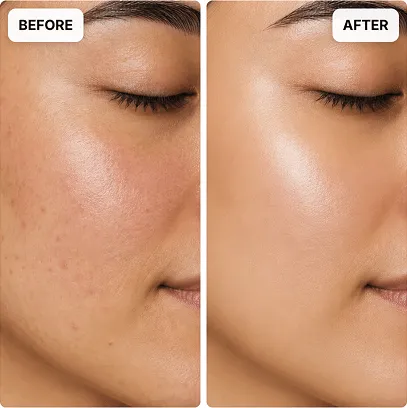
Two photos side by side, for any product that promises a result.
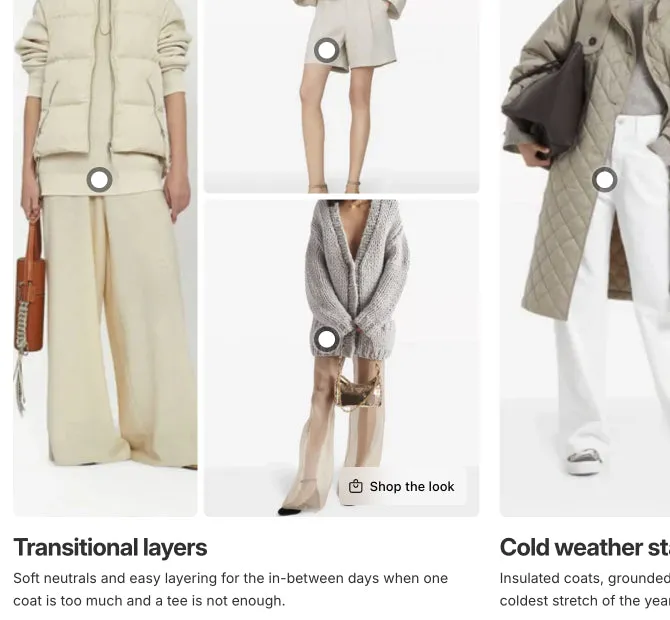
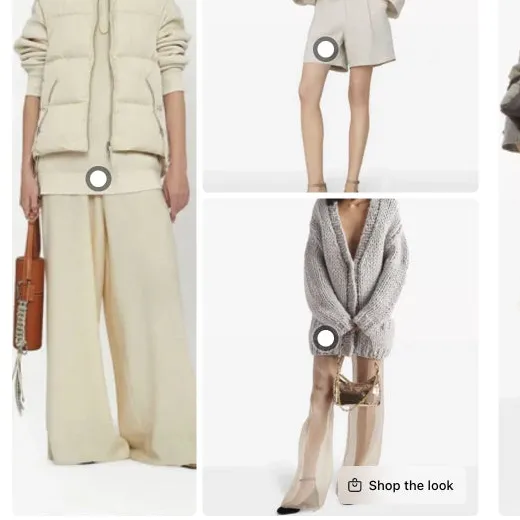
One for each look or season, with its own title and text.
How to add it
You need no code and no developer. Collages come with the Growth and Scale plans.
Theme section or LinkSpot
Some themes come with a collage section, and section stores sell lookbook sections for a single payment. This is what each one does.
A section is fine for a lookbook page. On a product page, the collage belongs in the gallery, where the shopper is already swiping.
Scroll the table sideways to see every plan.
| Feature | Free | Starter | Growth | Scale |
|---|---|---|---|---|
| Volumes | ||||
| Collages | Not included | Not included | 100 | 500 |
| Storefront | ||||
| Place elements anywhere on your shop Theme blocks let you add product sets, hotspots, annotations and collages to any section of any page, not only the product gallery. | Not included | Not included | Included | Included |
Questions
Growth and Scale. Growth allows 100 collages and Scale 500. Free and Starter do not include collages. Growth starts with a 7 day free trial.
No. The collage is added after the photo you pick, as a new slot in the gallery. Your photos stay where they were.
Yes. Build the grid from products, and each one can carry a hotspot that opens it. You can also add a button that opens all of them in one popup, where the shopper adds them to the cart.
No. A collage belongs to one product and sits after one of its photos. For another product, make another collage.
You can also build a collage with the Collage theme block and place it in any section of any page. Theme blocks come with Growth and Scale.
No. The gallery loads the collage as one image, like your other photos. The full photos inside it, and any hotspots on it, load only when the shopper reaches the collage.
LinkSpot removes the collage image from the product, and the gallery goes back to what it was.
Delete your collages in LinkSpot before you remove the app. A collage is saved as a photo on the product, and once the app is removed, LinkSpot can no longer remove it.
Growth and Scale · 7 day free trial
That is the whole test. If it does nothing for you, delete the collage. The gallery goes back to what it was.
Demo store password 123