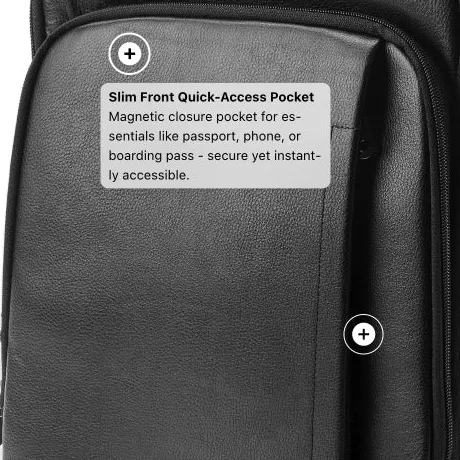
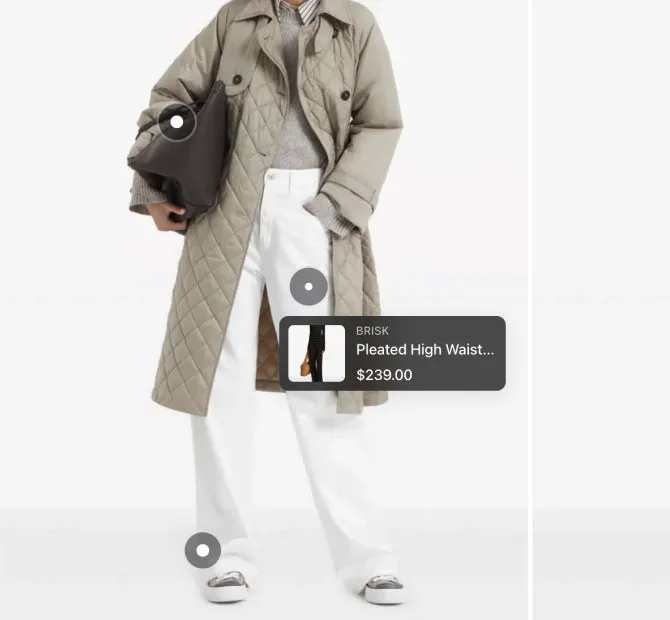
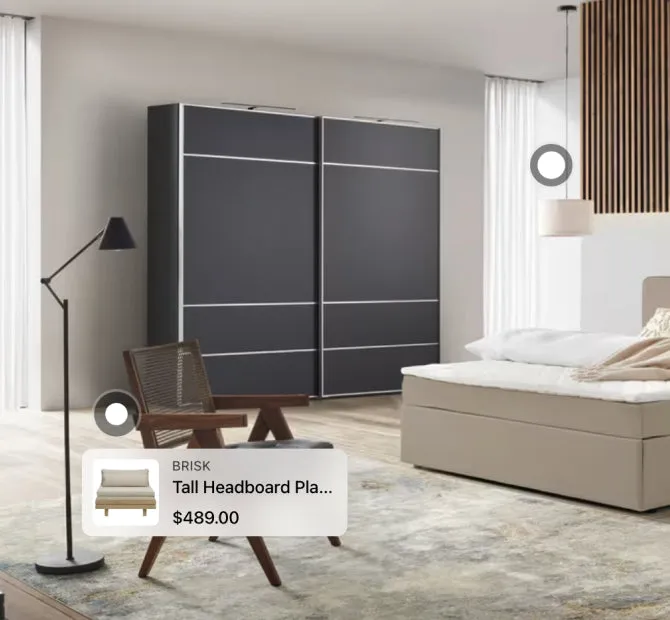
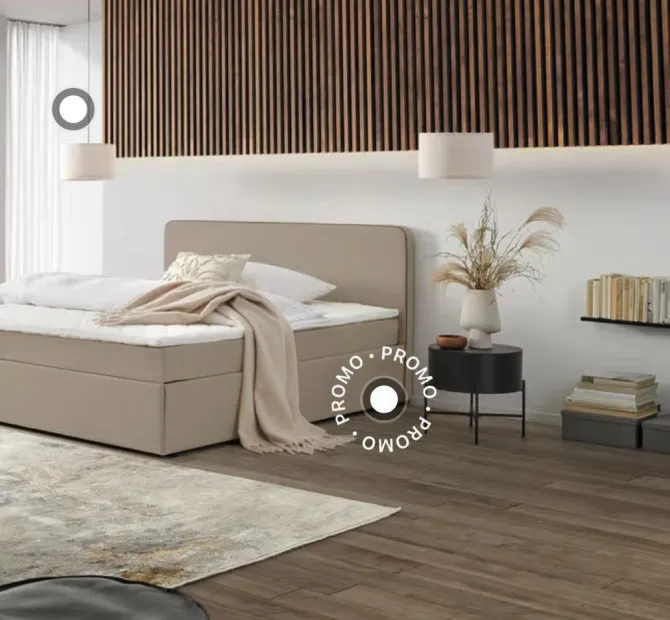
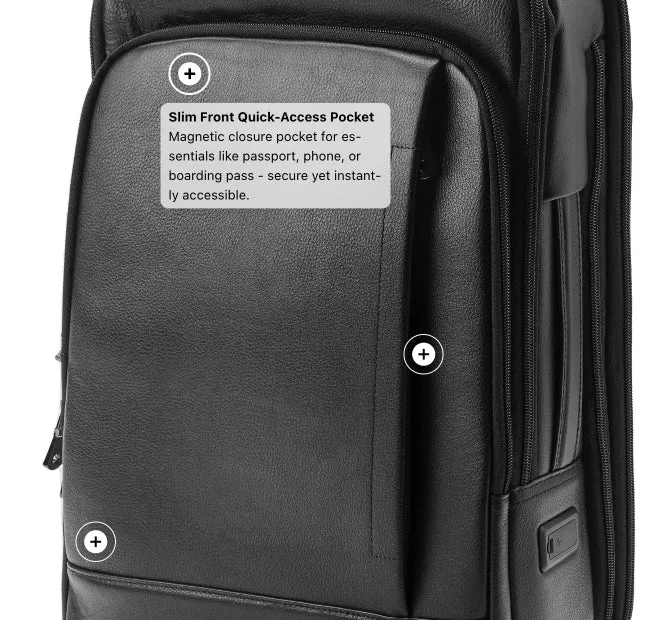
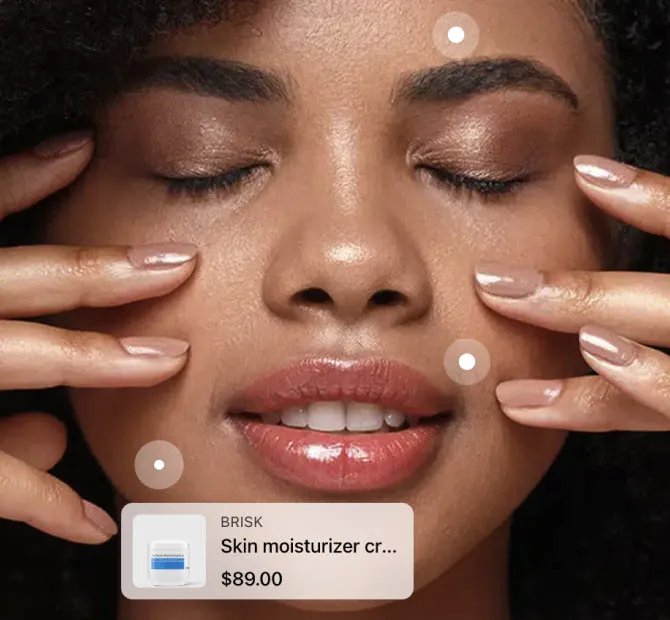
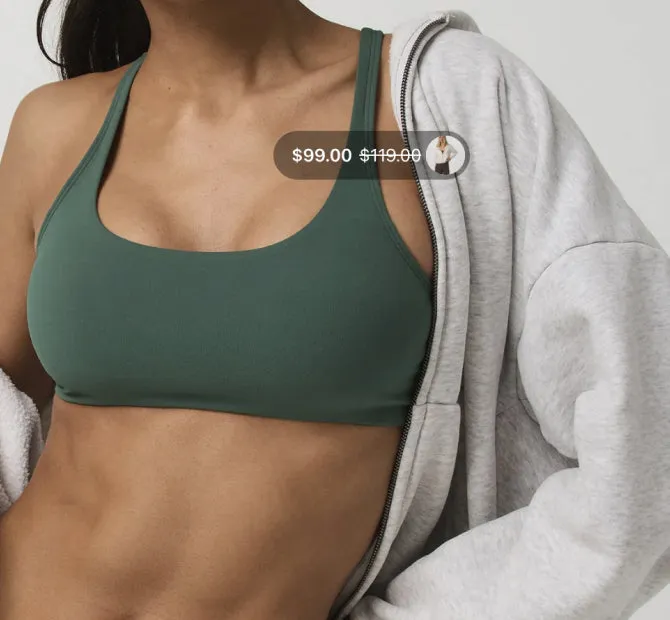
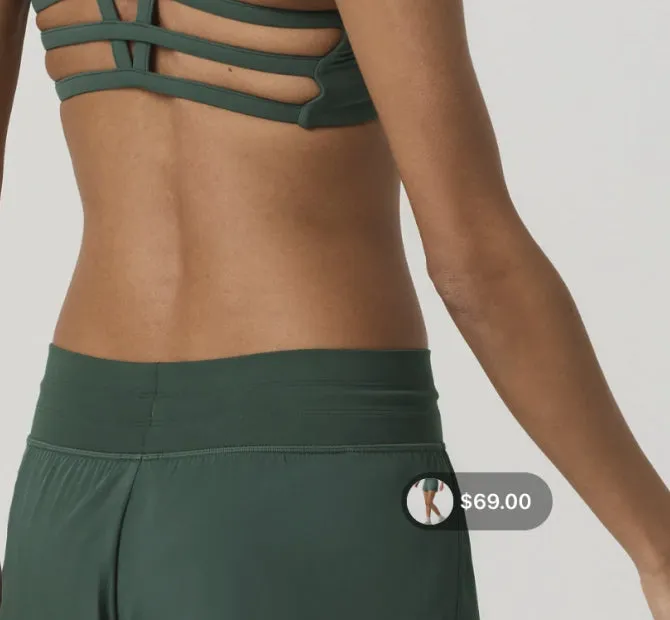
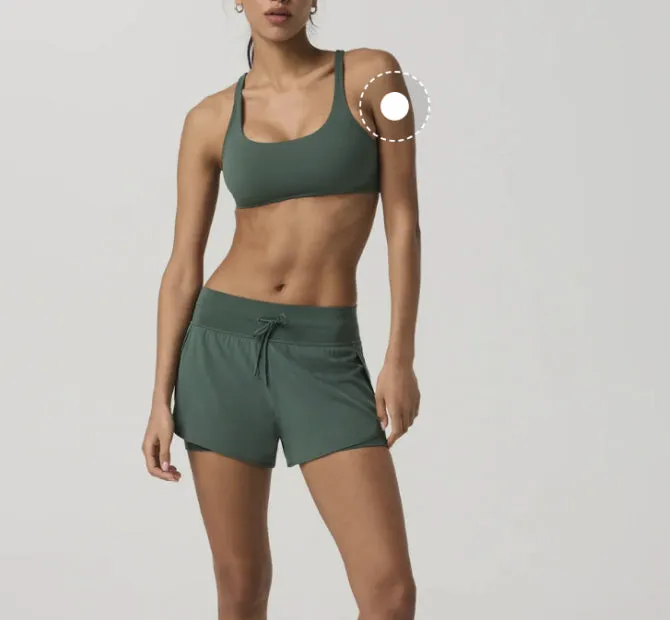
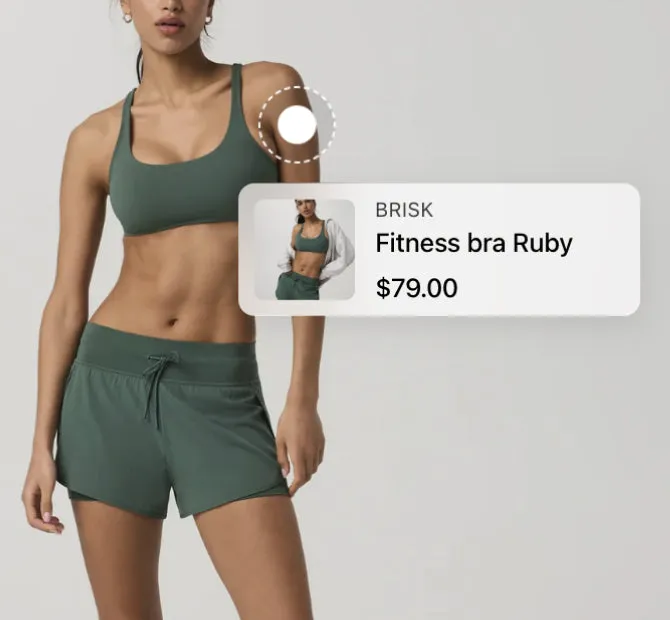
A hotspot can hold a short text instead of a product.
Live preview
Use cases
Key features
Explain features on the photoShort notes on the parts that matter, such as the back panel or the quick access pocket. The shopper reads them without a long description.
Show the qualityPoint at the materials and the details that make the product worth its price.
Fewer questions before buyingAnswer the usual questions about comfort, storage or access before the shopper asks them.
For products bought for what they doTech, travel, sport and accessories, where the features decide the sale.
A hotspot section in your theme, or hotspots on the gallery
Some themes come with an image hotspot section, and section stores sell one for a single payment. This is what each one does.
A hotspot section
It is a block of its own, with its own image.
It does not sit on the photos in your product gallery.
You set it up in the theme editor, one section at a time.
It comes with your theme, or you pay for it once.
LinkSpot hotspots
They sit on the photos your product gallery already shows.
Each product gets its own hotspots, and you manage all of them in LinkSpot.
LinkSpot also adds product sets, badges and collages.
A free plan, and paid plans from $9 a month.
A section is fine for one lookbook page. On a product page, the hotspots belong on the gallery, where the shopper is already looking.
Hotspots on each plan
Scroll the table sideways to see every plan.
Feature
Free
Starter
Growth
Scale
Volumes
Products with hotspots
3
50
100
500
Hotspots per image
2
4
8
10
Design library
Starter hotspot designs (5 styles)
Included
Included
Included
Included
All 12 hotspot designsFree and Starter include the 5 starter designs. Growth and Scale add the other 7.
—
Not included
—
Not included
Included
Included
Storefront
Place elements anywhere on your shopTheme blocks let you add product sets, hotspots, annotations and collages to any section of any page, not only the product gallery.
Free allows 2 hotspots on each photo, Starter 4, Growth 8 and Scale 10. You can use hotspots on 3 products on Free, and on up to 500 on Scale.
What can a hotspot show?
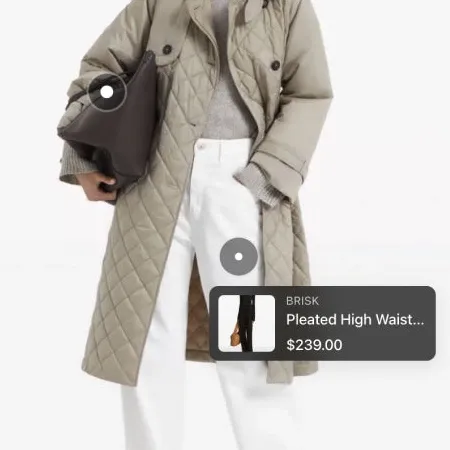
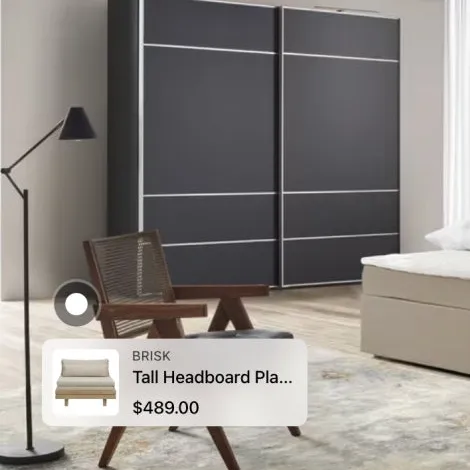
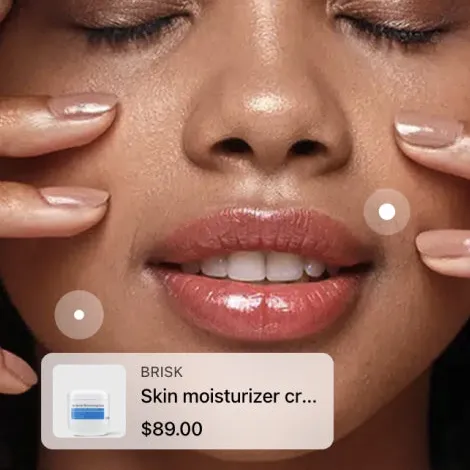
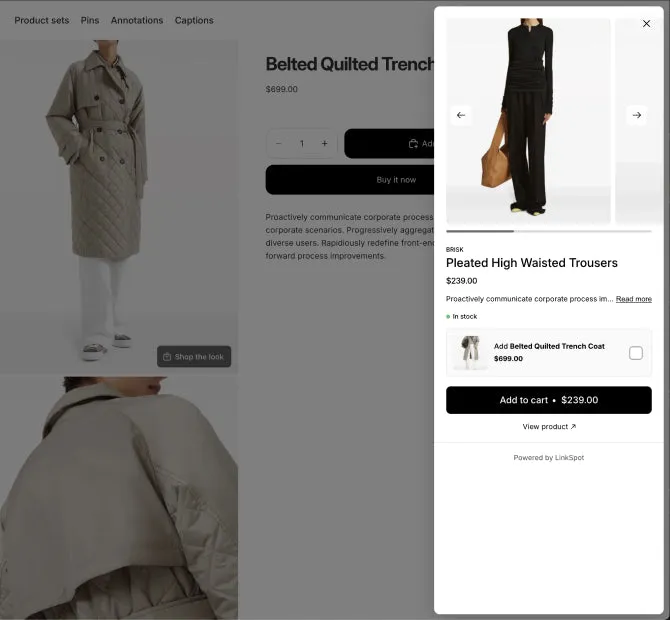
A card with the product’s photo, title and price. Or a short text of up to 400 characters, with a link if you want one. Or a small tag drawn on the photo, which can show the product’s title or price.
How do I make an image clickable in Shopify?
A hotspot makes one spot of a photo clickable. It opens a card with the product, or a short text with a link to any page. Hotspots work on your product photos on every plan. On Growth and Scale, theme blocks add them to any section of any page.
Do hotspots stay in place on a phone?
Yes. The position is saved relative to the photo, not in pixels, so the hotspot stays on the same detail at every screen size. Hotspots are big enough to tap with a finger.
What is the difference between a hotspot and an annotation?
A hotspot is a small marker. The shopper taps it to see a product or a text. An annotation is a line or a shape that points at a detail, with a short label if you want one. LinkSpot has both.
Can I put hotspots outside the product gallery?
Yes, on Growth and Scale. Theme blocks let you add hotspots to any section of any page.
Will hotspots slow my product page?
No. A page loads only the code for the elements it shows. A product with hotspots does not load the badge code or the collage code.