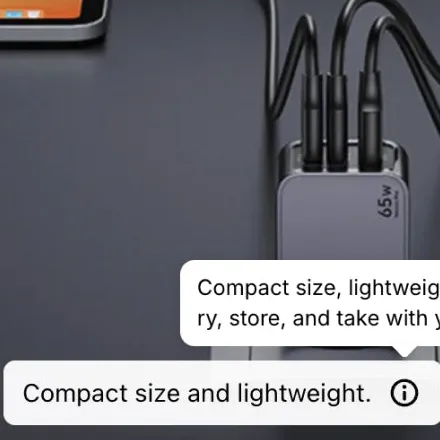
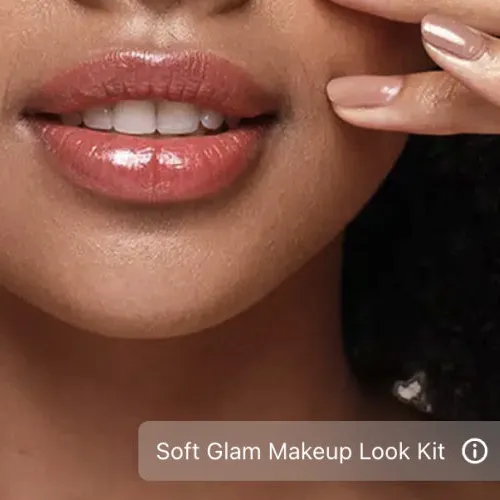
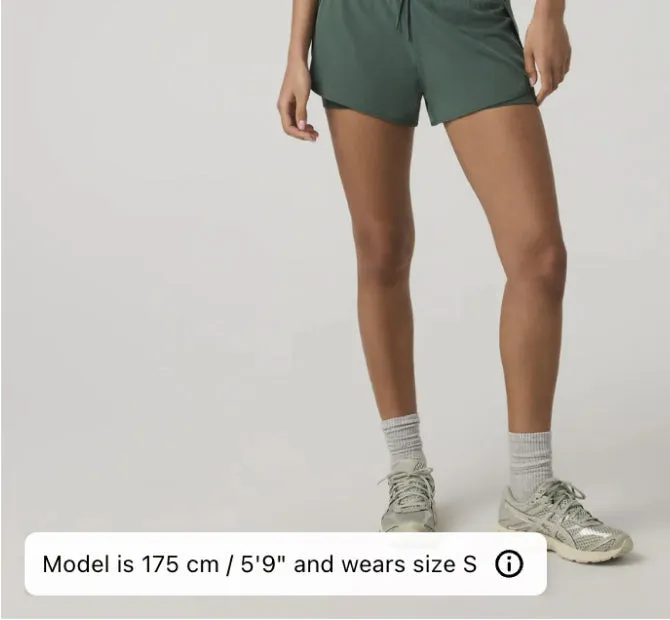
Model information caption
The model’s height and the size they wear, on the photo.
A caption is one short line of text on a gallery photo. Use it for the model’s height and size, a care tip or the name of the look. Nothing in your theme changes.
What it does
The model’s size and the care note are often in the description. A caption puts the line on the photo it belongs to.
Write up to 200 characters, with bold and colour, and put the caption in any corner of the photo.
A caption can carry a second note of up to 200 characters. It opens from a small info icon.
On Growth and Scale, a caption can scroll across the photo in a loop, for a promotion or a shipping note.
Live demo
Each one opens on our demo store in a new tab, so you can try it the way your shoppers will.
Demo store password 123
The model’s height and the size they wear, on the photo.
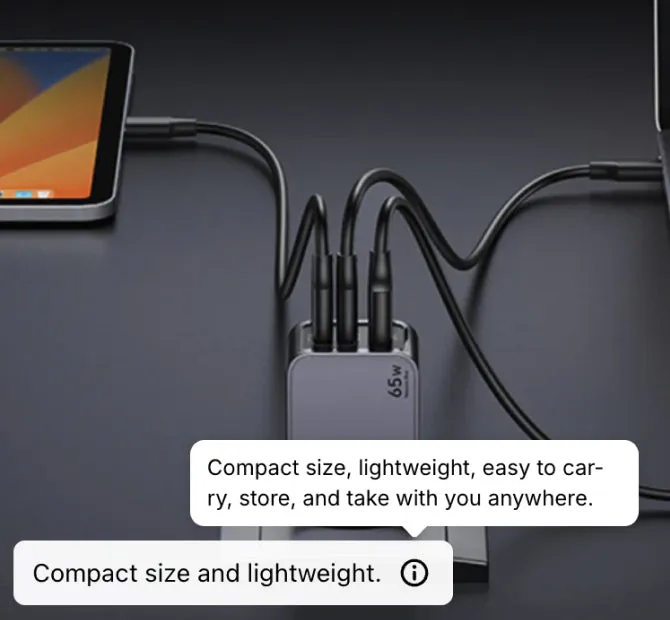
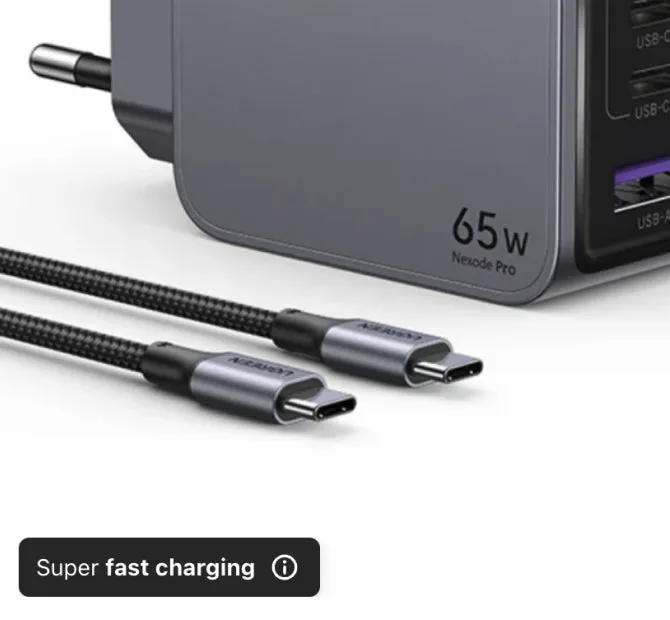
A short line that opens into a longer note on a tap.
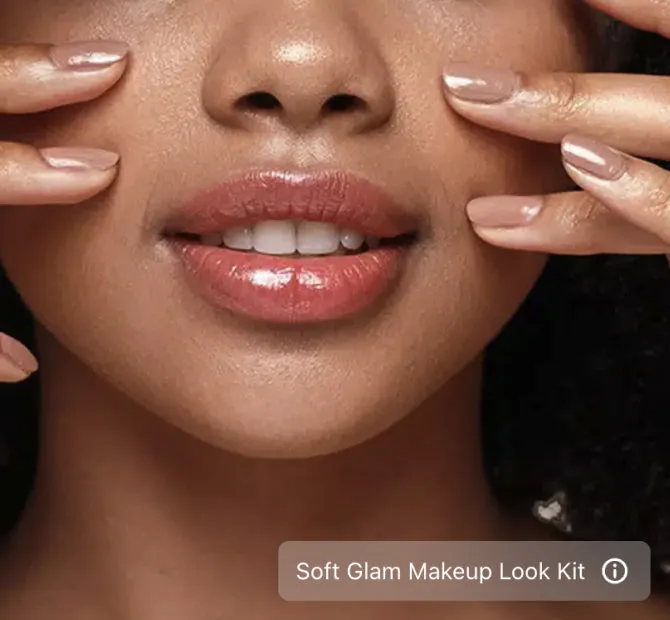
It says what the photo shows, such as the look’s name.
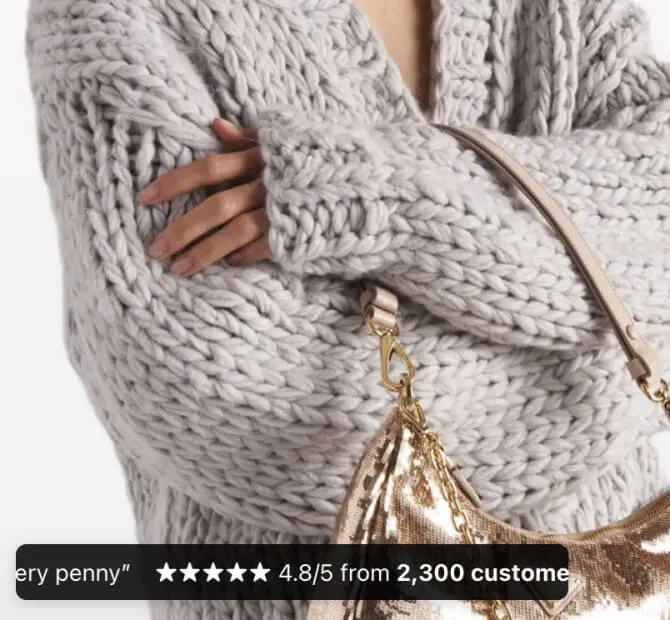
A line of text that scrolls across the photo, for a promo.
Plans: Growth and Scale
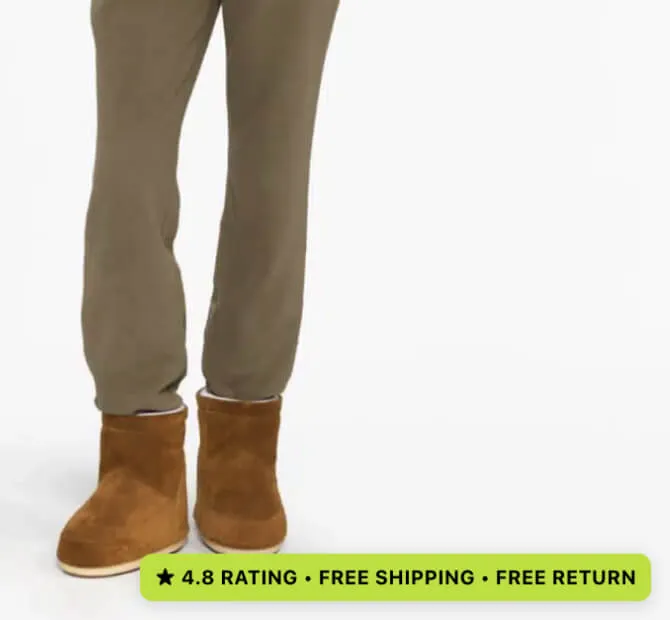
Free shipping and free returns, side by side in one thin line.
How to add it
You need no code and no developer. You can start from a template, such as the model’s size.
Description or LinkSpot
The usual place for a size note is the product description. This is what each place does.
Keep the full details in the description. On the photo, put only the line a shopper needs while looking at it.
Scroll the table sideways to see every plan.
| Feature | Free | Starter | Growth | Scale |
|---|---|---|---|---|
| Volumes | ||||
| Products with captions | 3 | 50 | 100 | 500 |
| Captions per image | 1 | 1 | 1 | 1 |
| Design library | ||||
| Animated ticker captions A scrolling caption for a promo line, a product highlight or a shipping note. | Not included | Not included | Included | Included |
| Storefront | ||||
| Multi-language storefront | Not included | Not included | Included | Included |
Questions
One caption on each photo, on every plan. You can use captions on 3 products on Free, 50 on Starter, 100 on Growth and 500 on Scale.
Yes. Write the model’s height and the size they wear, for example “Model is 175 cm and wears size S”. The fit details can go in the longer note behind it. The app has a template for it.
A caption is a line of text in a corner of the photo. An annotation points at one part of the product, with a line, an arrow or a circle. One photo can have both.
Yes, on Growth and Scale. A ticker caption scrolls across the photo in a loop. You choose how much of the photo’s width it takes.
Yes. A caption can be light, dark or in the colours you pick, in one of five sizes. You set the default once in the app’s settings, and each caption can change it.
No. A page loads only the code for the elements it shows. A product with captions does not load the badge code or the collage code.
Free plan · 7 day trial on paid plans
That is the whole test. If it does nothing for you, remove the app. Your theme is exactly where it was.
Demo store password 123